A hotel lock gateway connects compatible lock equipment with the selected management platform where the configuration supports it. It is not a universal adapter that makes every offline card lock remotely manageable. Confirm the lock model, gateway model, application and required functions together.
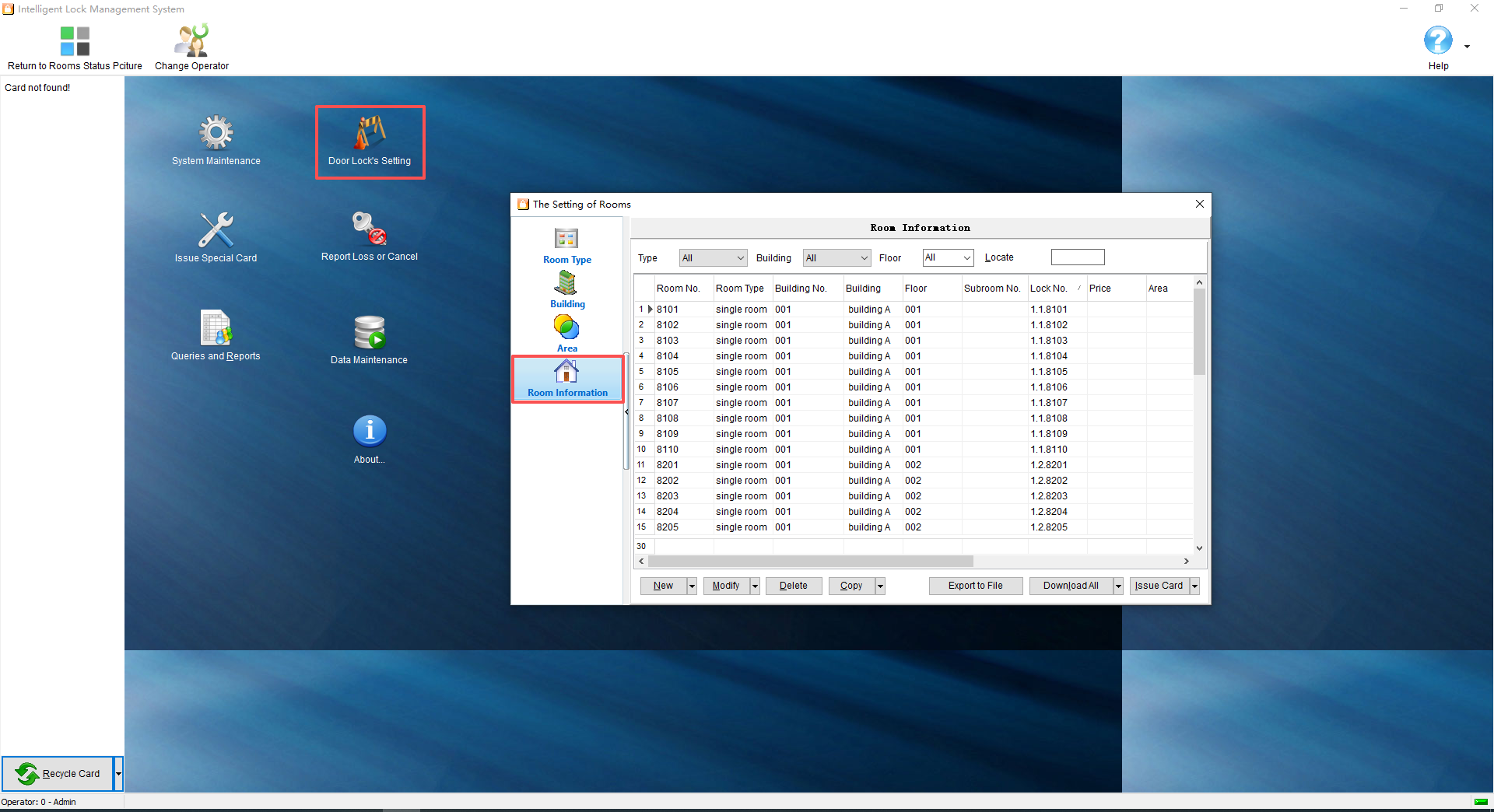
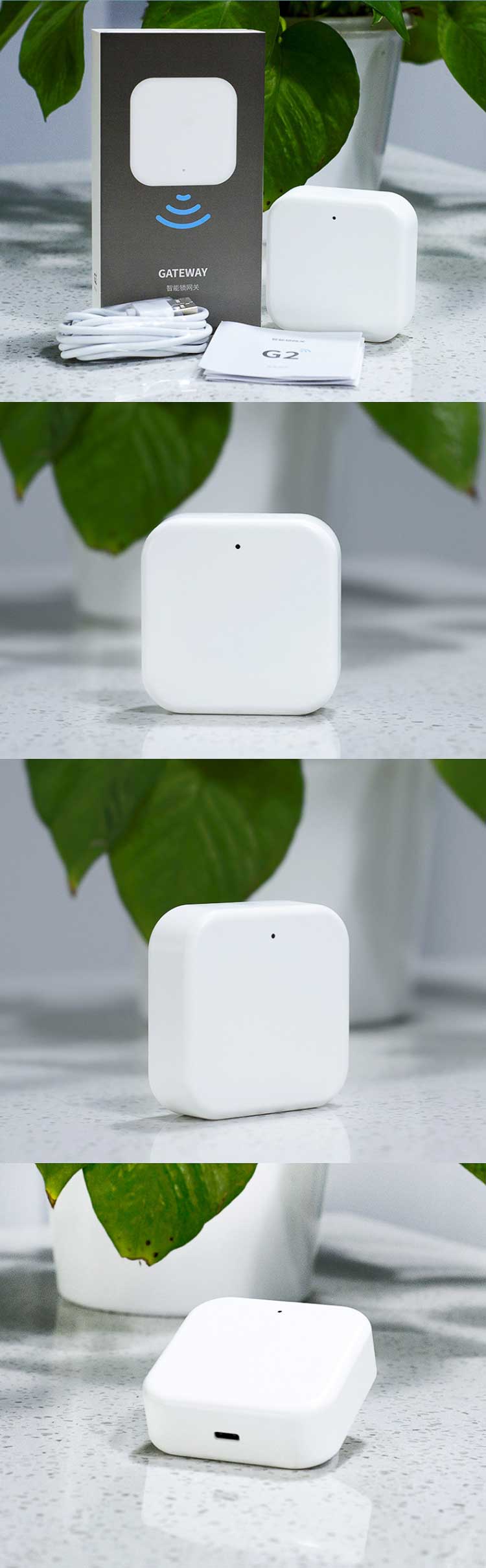
The supplied gateway photographs and setup screen illustrate equipment and pairing. They do not establish a fixed coverage distance or support for every function shown in another platform.
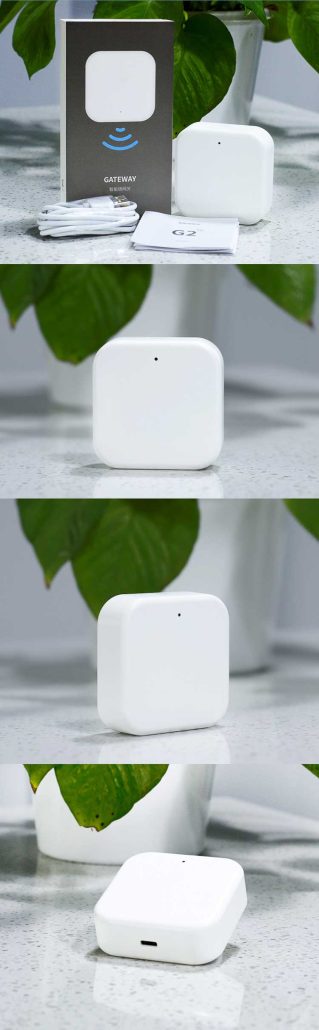
Define the required remote functions
Specify whether you need status, credential management, event transfer or another supported action. Verify each one with the intended lock and software version. A gateway being online is not proof that every requested command can be carried out by the door.
Prepare network and power requirements
Follow the supplied gateway instructions for power, network connection and account binding. Identify who manages the network and device ownership. Use approved account procedures and avoid publishing pairing details, passwords or administrative screenshots.
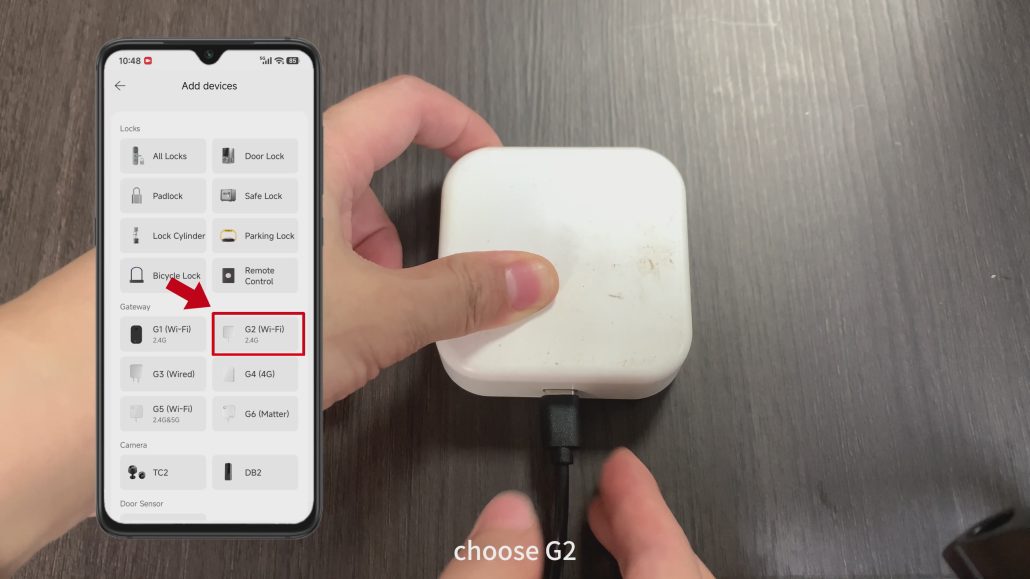
Test placement at the actual rooms
Use the manufacturer placement guidance, then verify communication with each intended door. Walls, metal and site geometry can affect the link. Do not estimate the number of gateways from a generic distance claim alone. Record the tested locations and any doors requiring another arrangement.
Test off-site operation and failure recovery
If remote management is required, test from outside local Bluetooth range. Confirm the resulting door behaviour rather than relying only on the application notification. Test the agreed process for internet or gateway power loss and recovery, then document what remains available locally.
Acceptance checklist
- Is the exact lock and gateway combination supported?
- Which remote operations passed a real door test?
- Are power and network responsibilities assigned?
- Is the fallback workflow documented for reception?
What to send with your project inquiry
Provide the installed lock model, software name and version, room quantity and the exact workflow you need. Add clear door photos or test screenshots with private information removed. Ask for written confirmation of the proposed configuration and keep the acceptance results with the hotel handover documents.
Related DELUNS resources
See our hotel lock system overview, smart card access workflow guide and hotel lock project services. Contact DELUNS to discuss your installation and required functions.