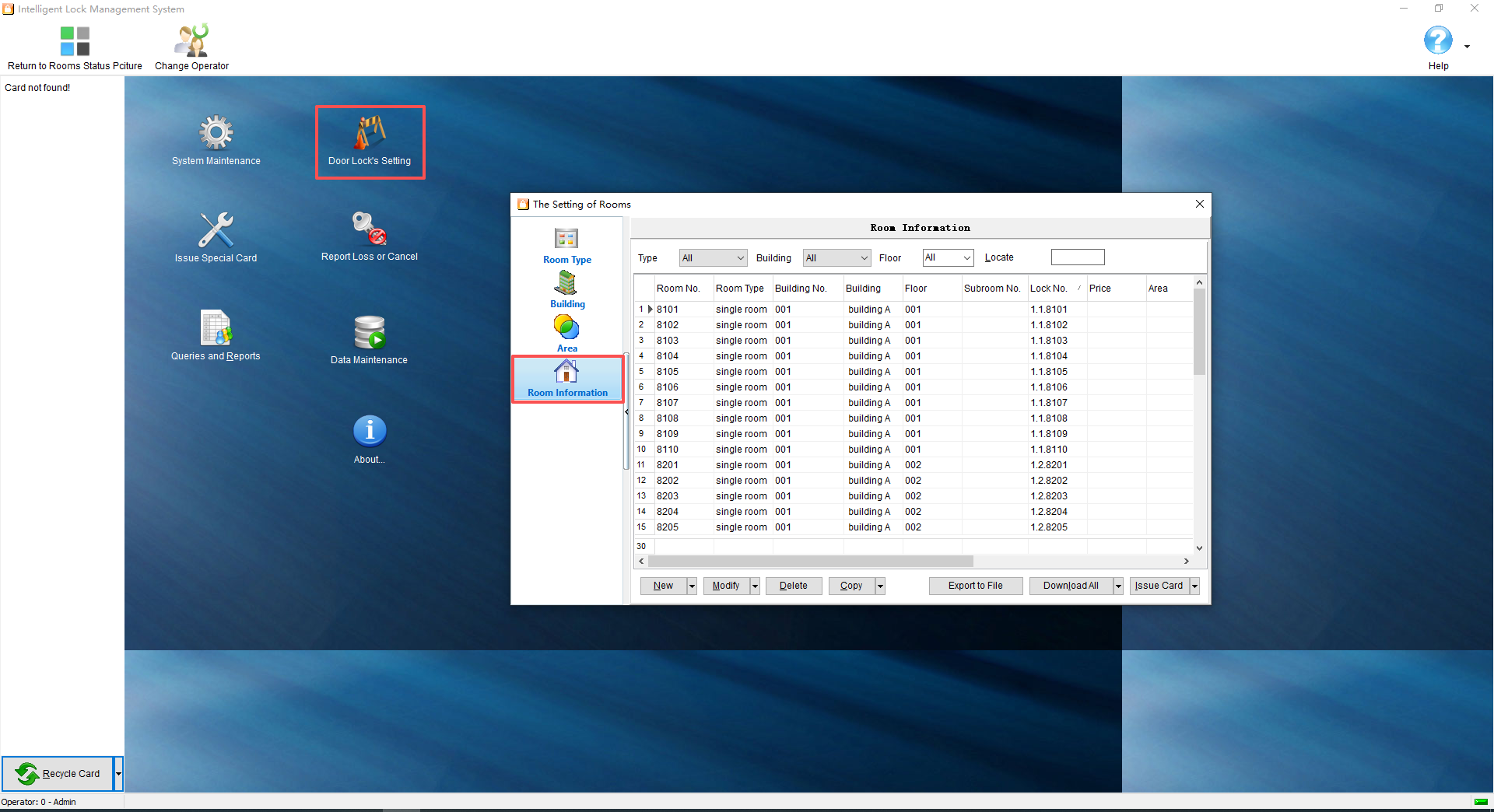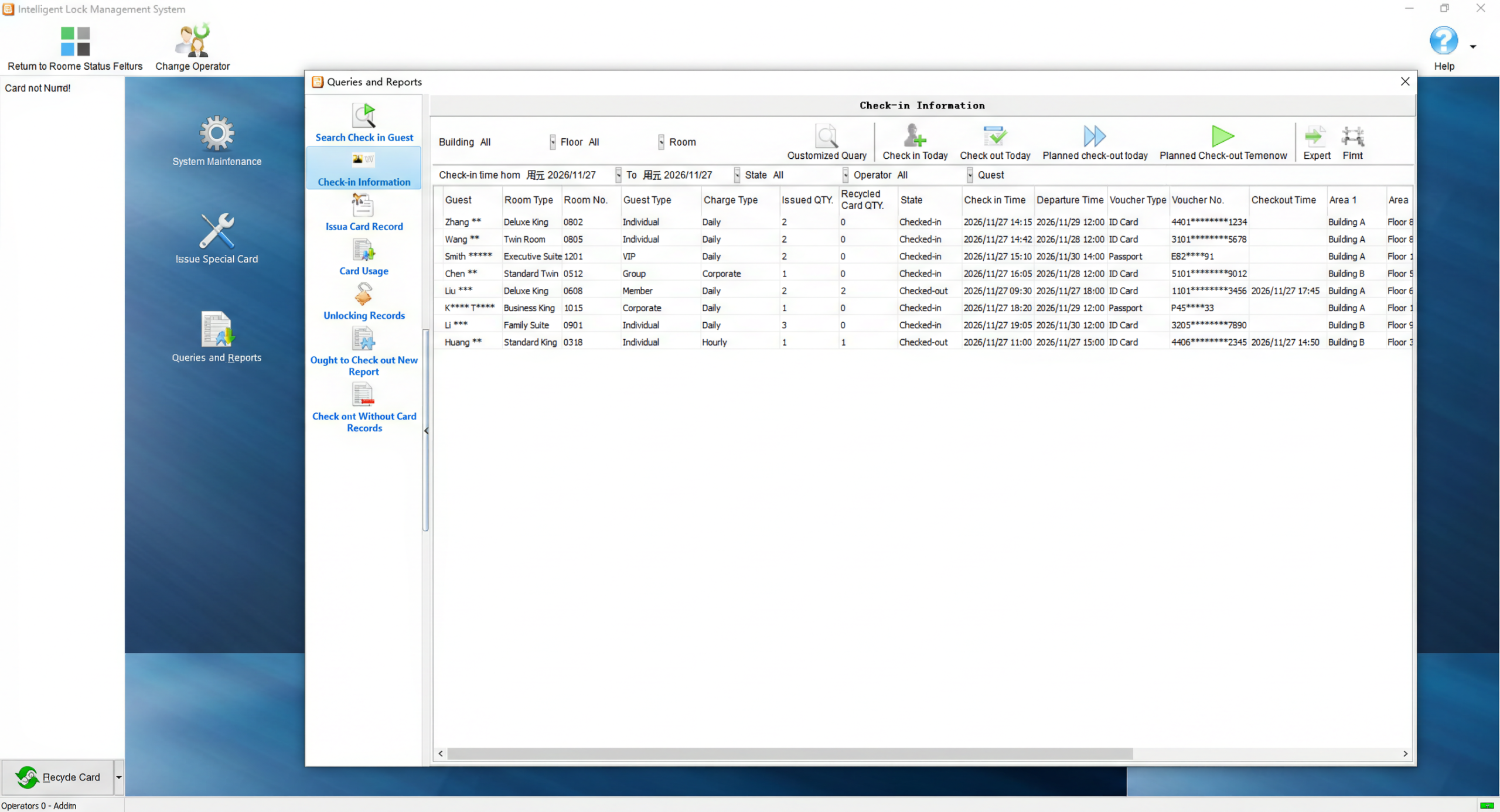
A hotel lock audit trail records supported access events for the installed system. The information available, storage limits and collection process vary by model and configuration. A room being managed in software does not mean every door event is automatically visible in real time.
The supplied record screens illustrate a software view. They are not proof of a universal capacity or of live monitoring on every lock.
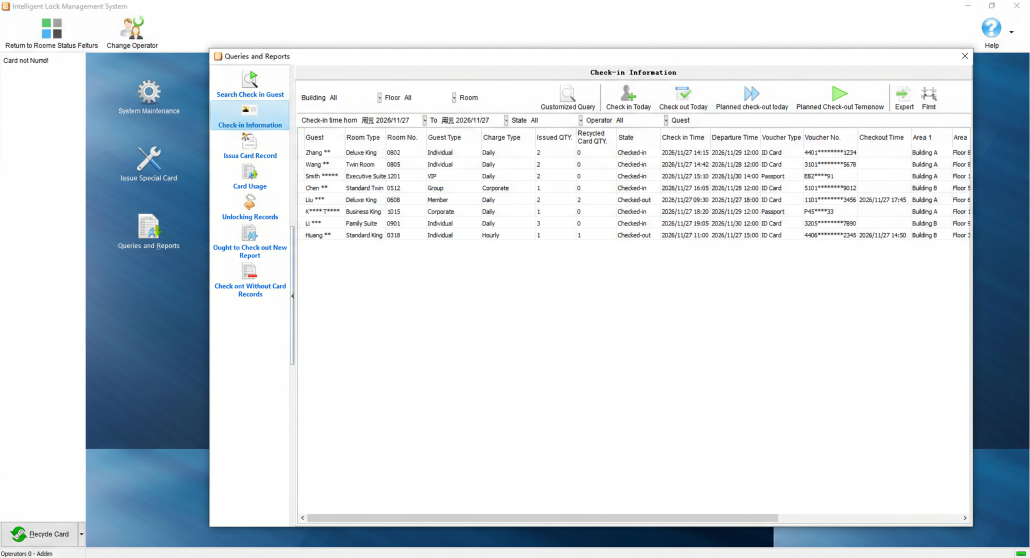
Define what an event actually means
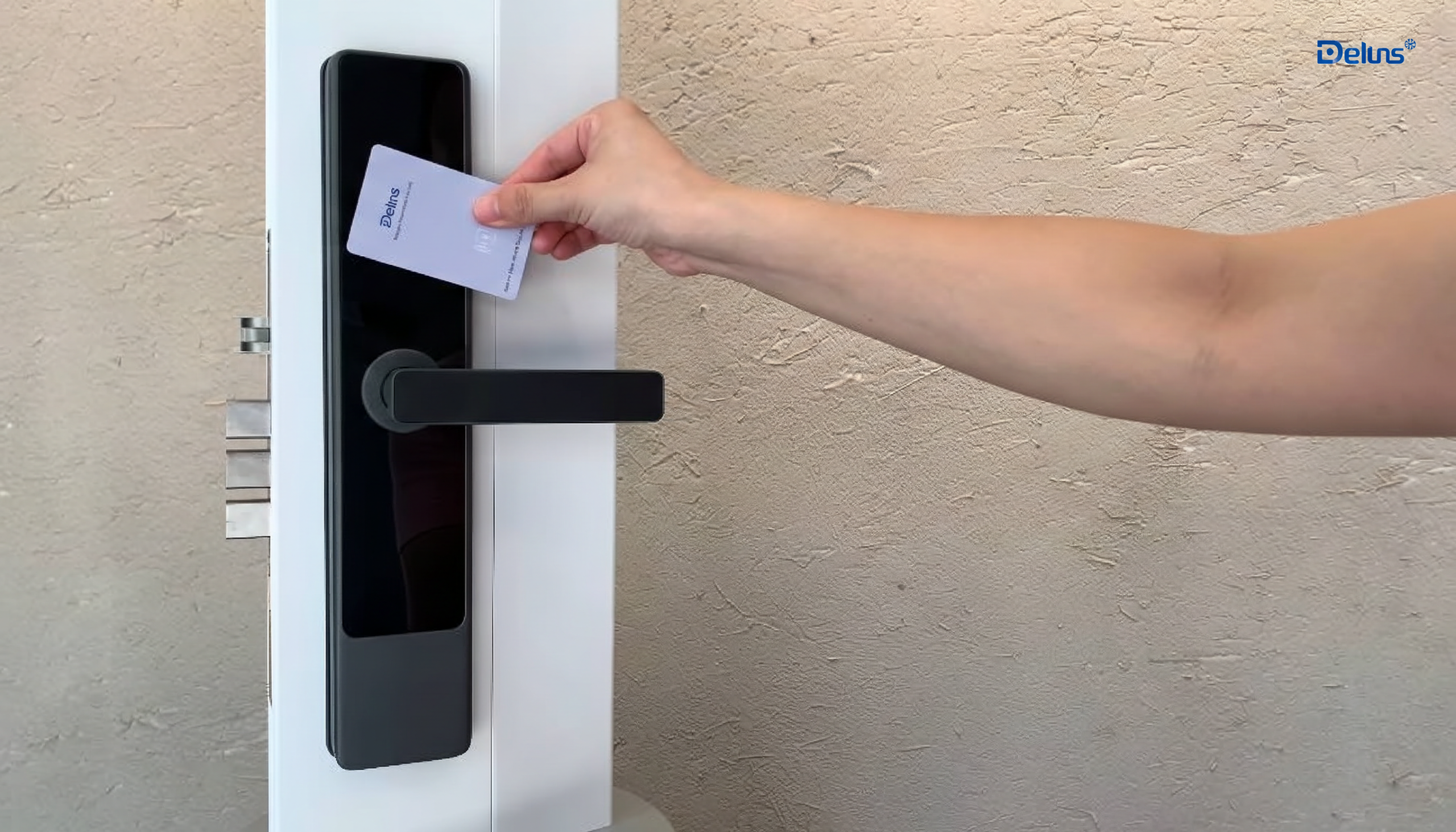
Check the manual for the events recorded: credential presentation, accepted access, denied access or another system action. Do not assume that a credential being accepted proves a person entered the room. Door-position evidence requires the relevant sensing and event support.
Confirm how records are collected
An offline lock may require a supported collection device or local operation, while some connected systems can transfer supported events through network equipment. Record the collection method, time settings and software version. Check whether collection changes or clears stored records before using it.
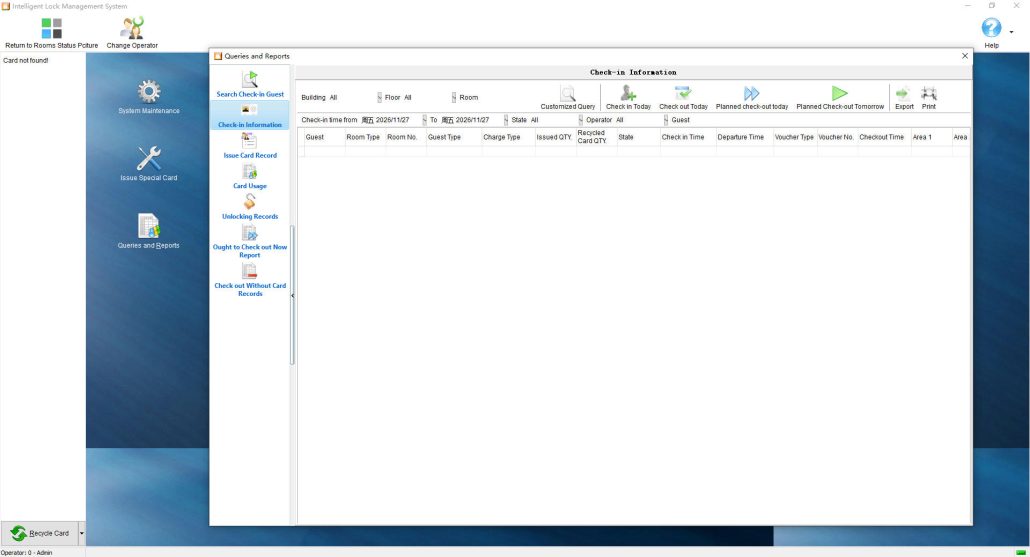
Preserve context when reviewing an issue
Capture the room identifier, collection time, time reference and relevant event range using the approved process. Check clock accuracy before comparing an event with another system. Export through the supported function and avoid modifying the original record to fit an assumption.
Control access and reporting
Restrict record access to authorised hotel staff and follow the organisation retention and incident procedures. Remove real guest details from training examples and published screenshots. Ask support to explain ambiguous codes rather than treating every record as a complete account of what happened at the door.
Acceptance checklist
- Which event types are recorded by this model?
- Are records live or collected later?
- Are device clocks and time references reliable?
- Who may export, retain and review the records?
What to send with your project inquiry
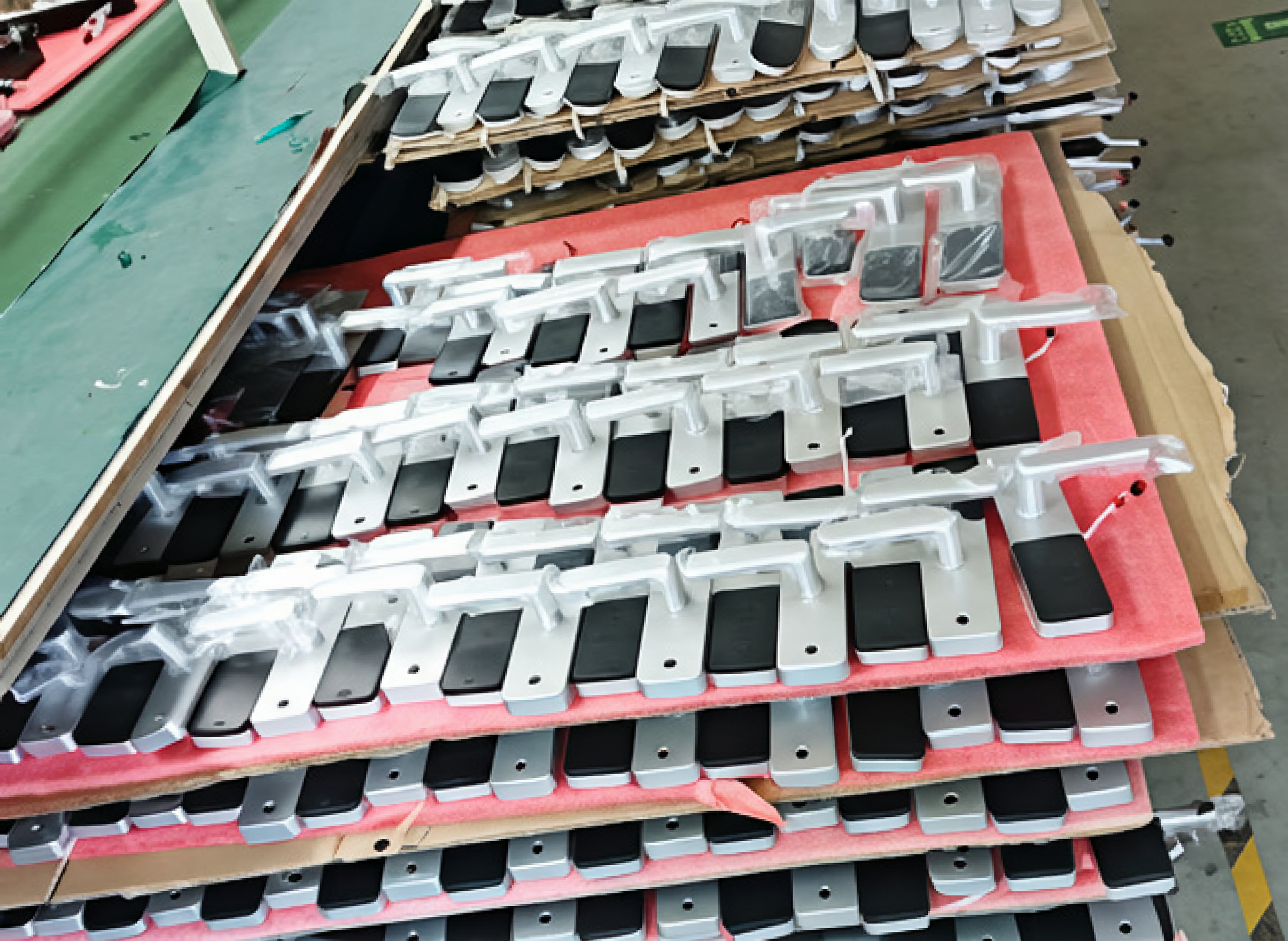
Provide the installed lock model, software name and version, room quantity and the exact workflow you need. Add clear door photos or test screenshots with private information removed. Ask for written confirmation of the proposed configuration and keep the acceptance results with the hotel handover documents.
Related DELUNS resources
See our hotel lock system overview, smart card access workflow guide and hotel lock project services. Contact DELUNS to discuss your installation and required functions.