Hotel key card expiration controls the period during which a credential is intended to permit access. The stay details in reception software, the data written to the card and the way the lock interprets time must agree. Do not assume changing a booking alone rewrites an existing card.
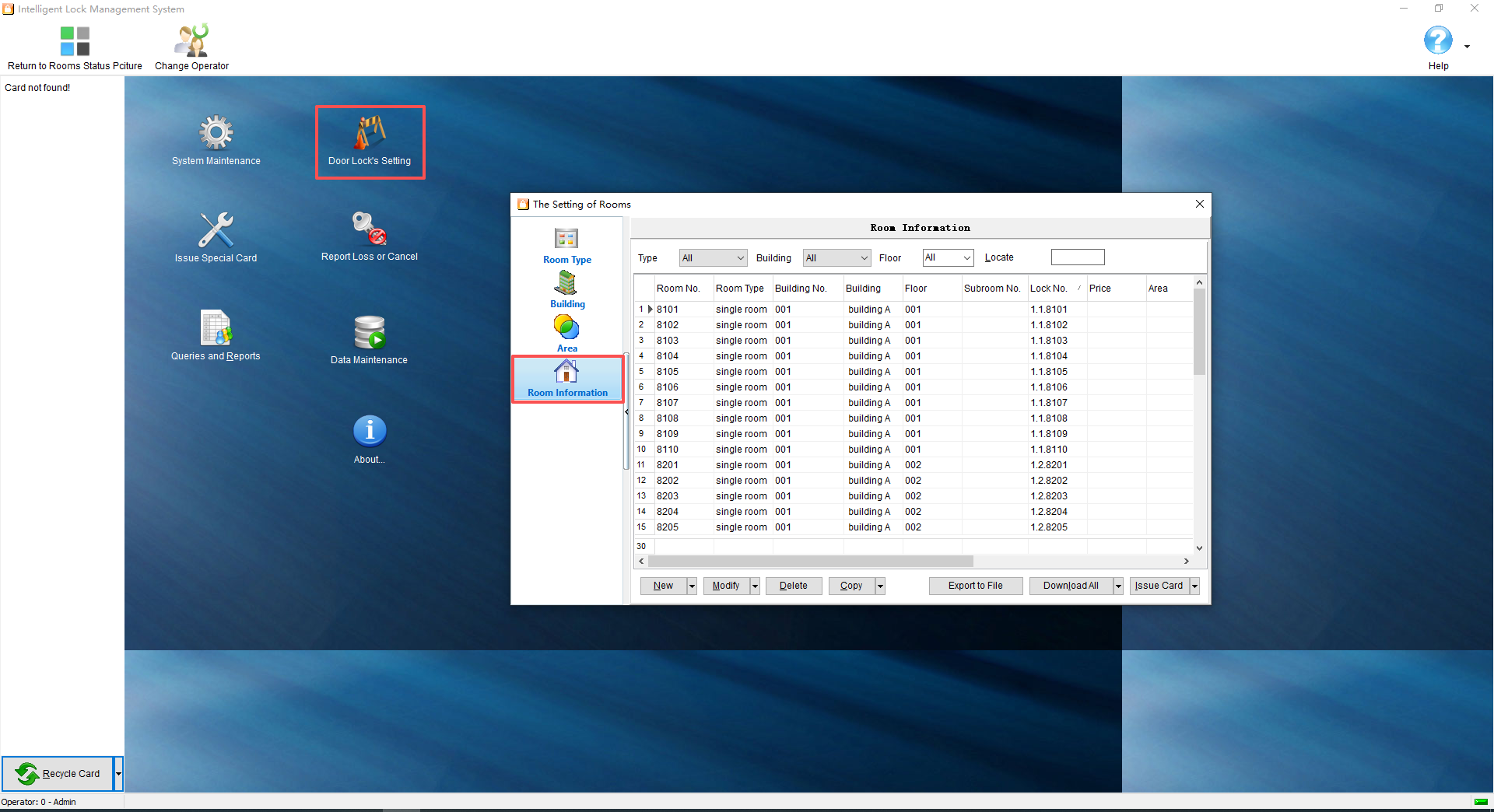
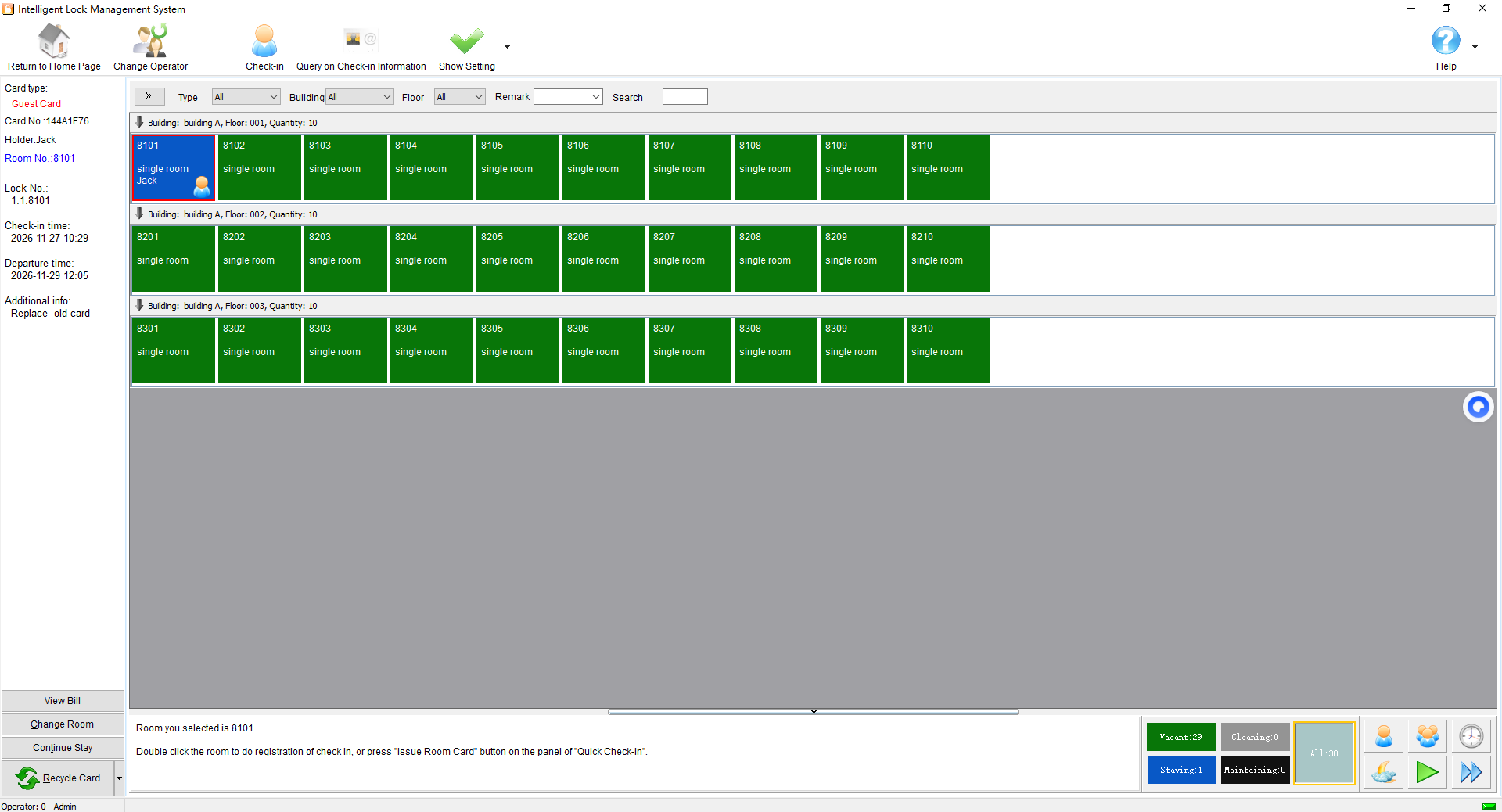
The supplied software screens are examples of room and credential management. Field names and supported behaviour depend on the installed version.
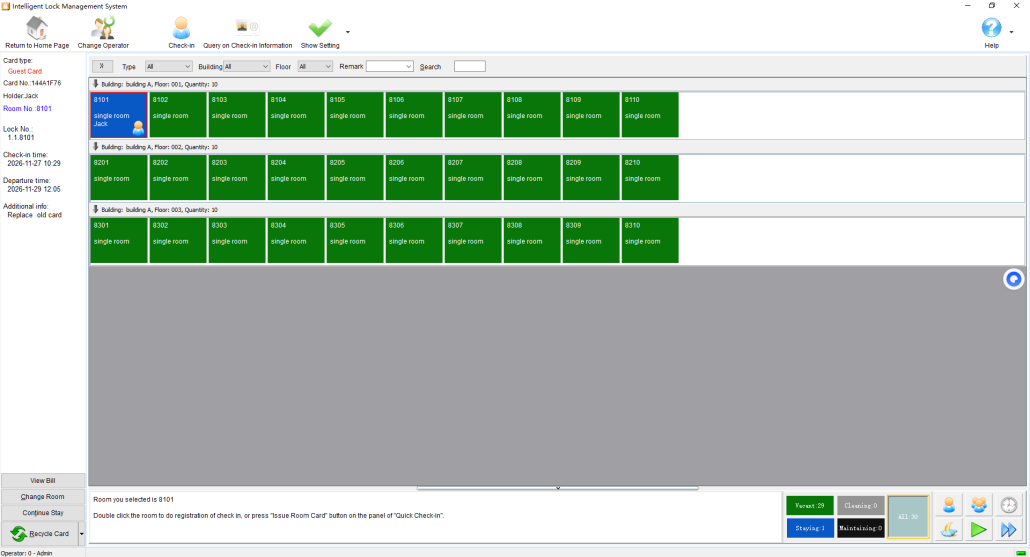
Check the complete time chain
Confirm the software time settings, the validity fields used during issue and the lock time-setting procedure. Check how the system handles local time and any seasonal clock changes relevant to the property. Use the actual documentation rather than assuming an offline door checks a server clock.
Treat extensions as an access operation
When a stay is extended, determine whether the guest needs a rewritten or replacement card and whether a door operation is required. Test the old and revised departure times with test credentials before documenting the front desk procedure. Include shared entrances if they use the same card.
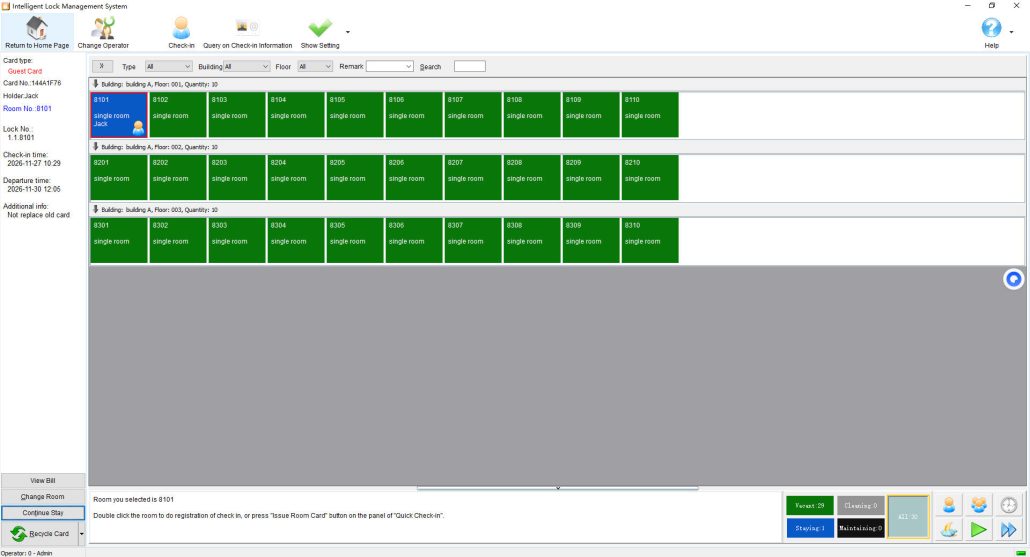
Distinguish expiry from cancellation
Natural expiry at the encoded end time is different from early departure or a lost card. Ask how the old credential becomes invalid and when that takes effect at an offline door. A new card being issued does not by itself prove the old one is already blocked everywhere.
Diagnose an unexpected access refusal
Check room assignment and card validity using the supported read function, then compare with the lock configuration. Record exact times and the observed reader response. Escalate discrepancies with model and software details; avoid repeatedly extending access without understanding the problem.
Acceptance checklist
- Which field sets the access end time?
- Does an extension require presenting a new card?
- How does early cancellation reach the door?
- Have expiry and shared entrance access been tested together?
What to send with your project inquiry
Provide the installed lock model, software name and version, room quantity and the exact workflow you need. Add clear door photos or test screenshots with private information removed. Ask for written confirmation of the proposed configuration and keep the acceptance results with the hotel handover documents.
Related DELUNS resources
See our hotel lock system overview, smart card access workflow guide and hotel lock project services. Contact DELUNS to discuss your installation and required functions.