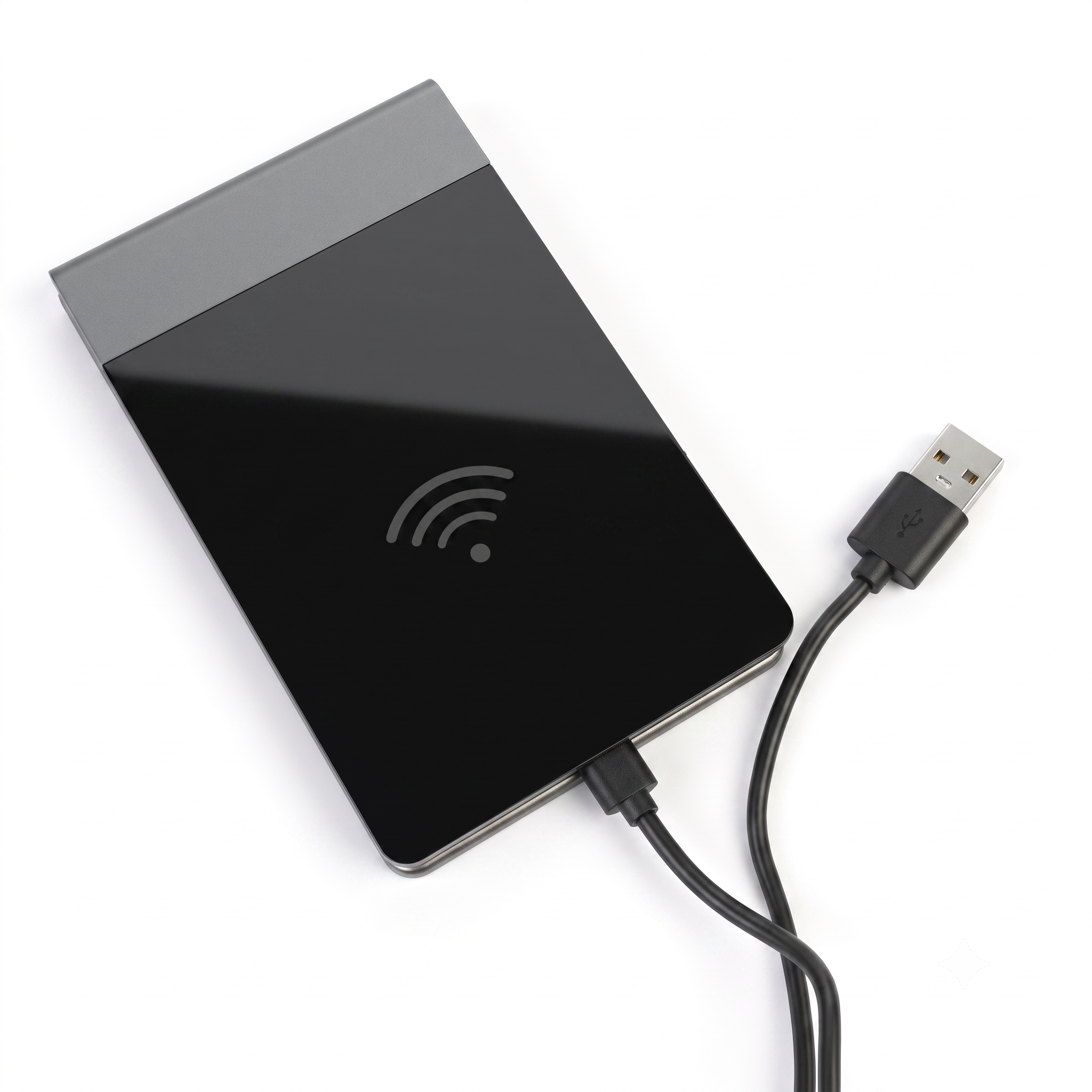
A hotel key card encoder writes supported access credentials onto compatible cards through the selected management software. It is not simply a universal USB card writer. Match the encoder model, card technology, credential format and software before purchasing or replacing one.
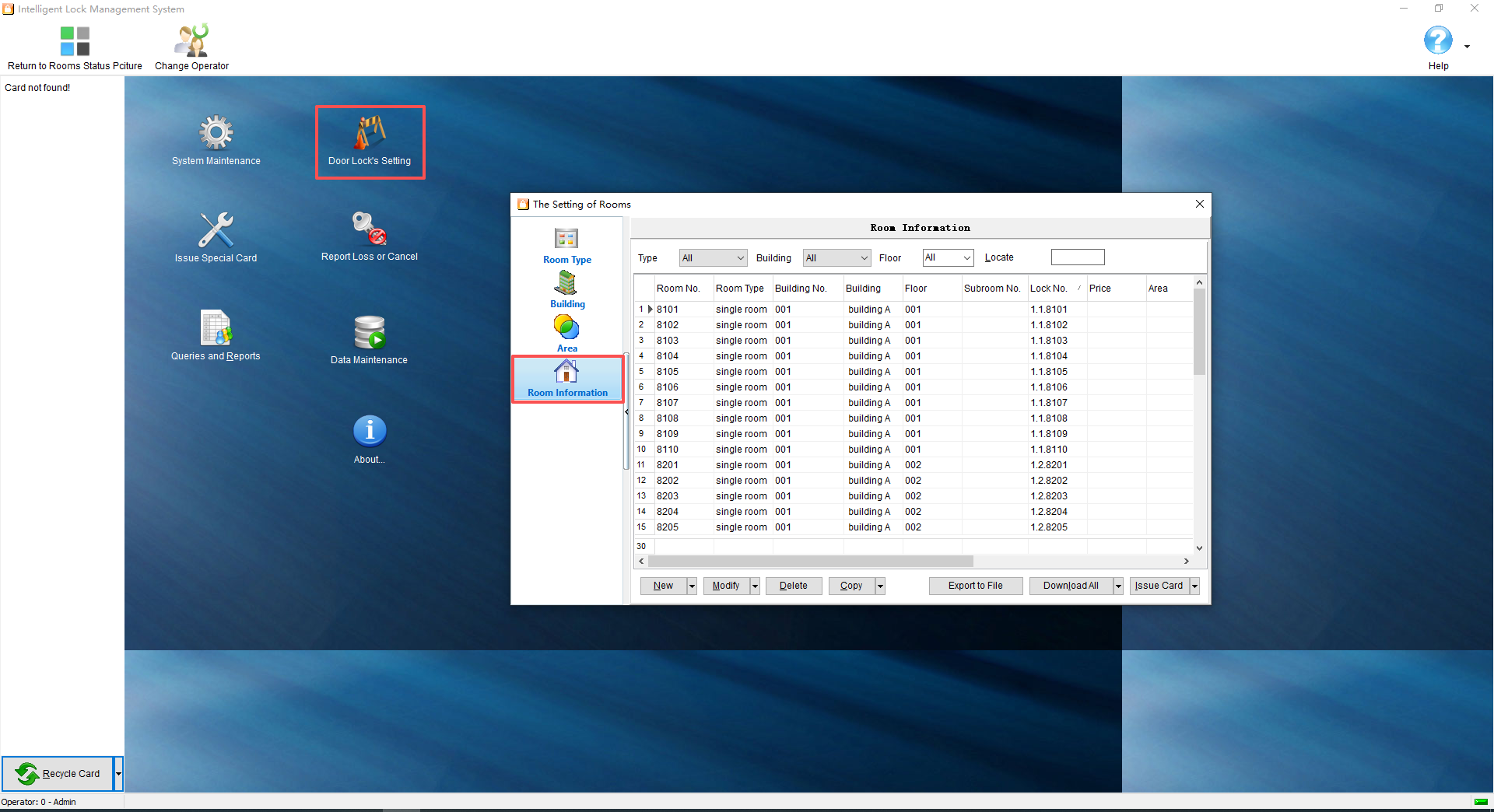
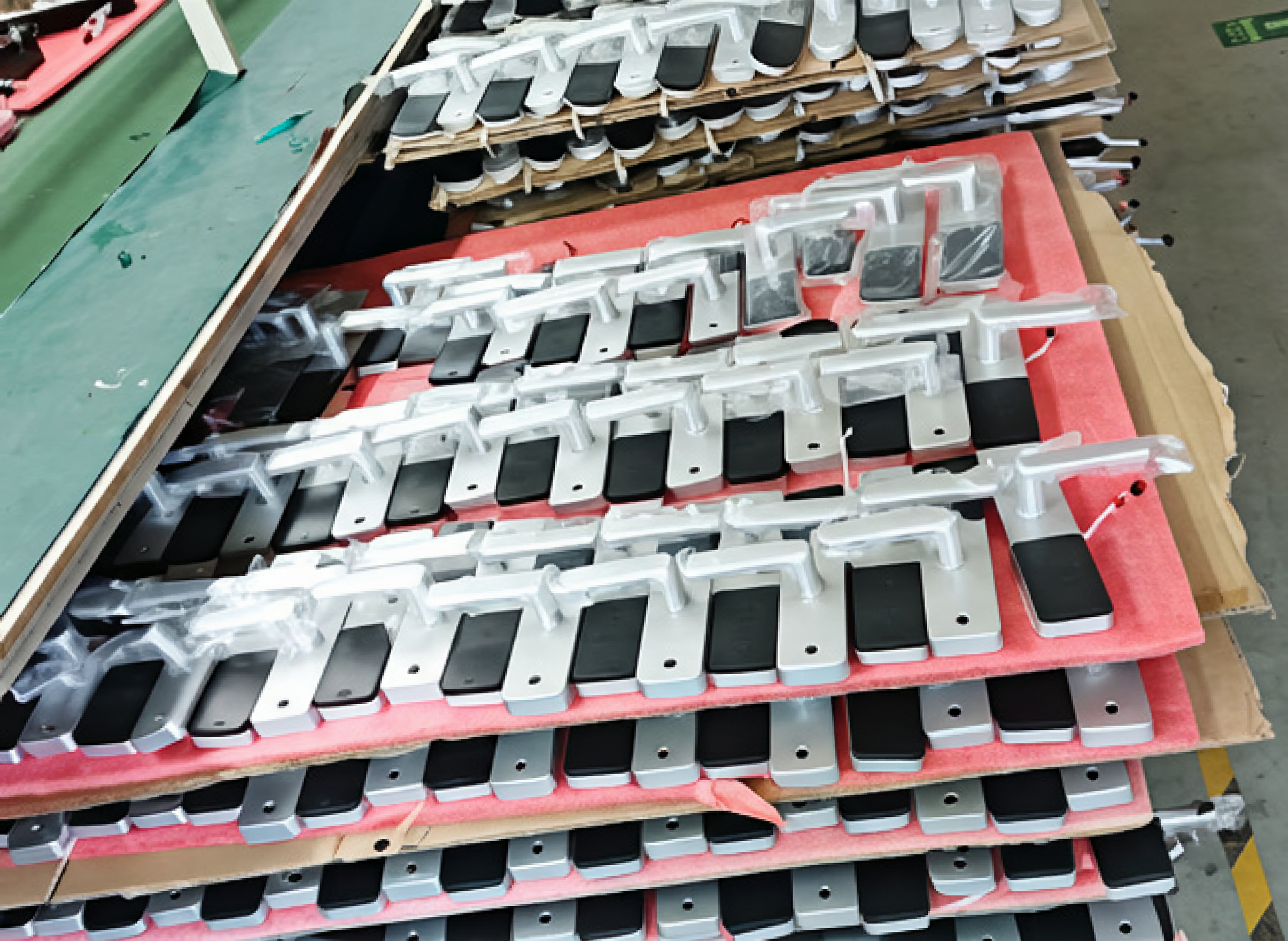
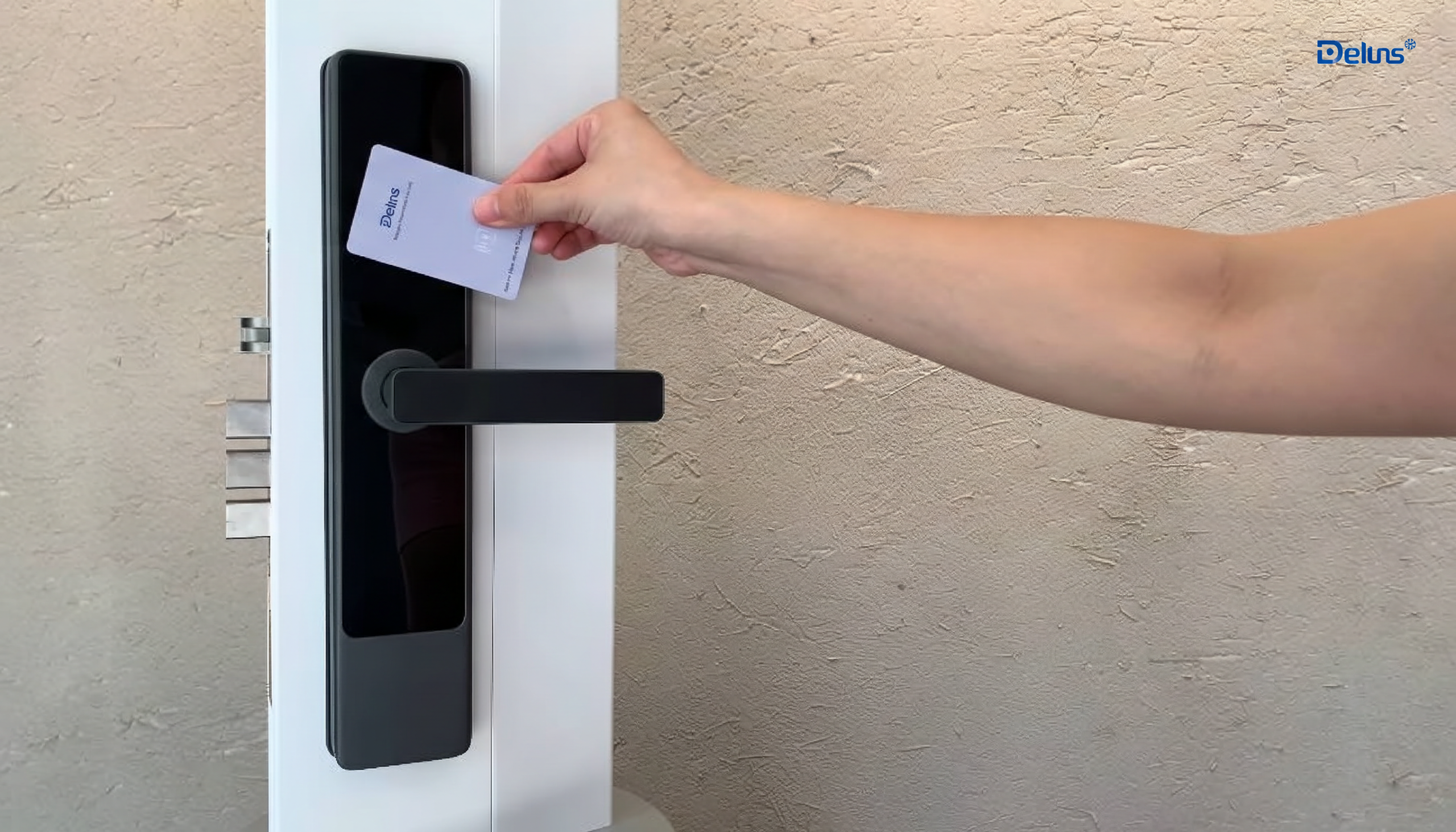
The supplied hardware and software screenshots illustrate an issuing arrangement. They do not establish compatibility with an unrelated application or card system.
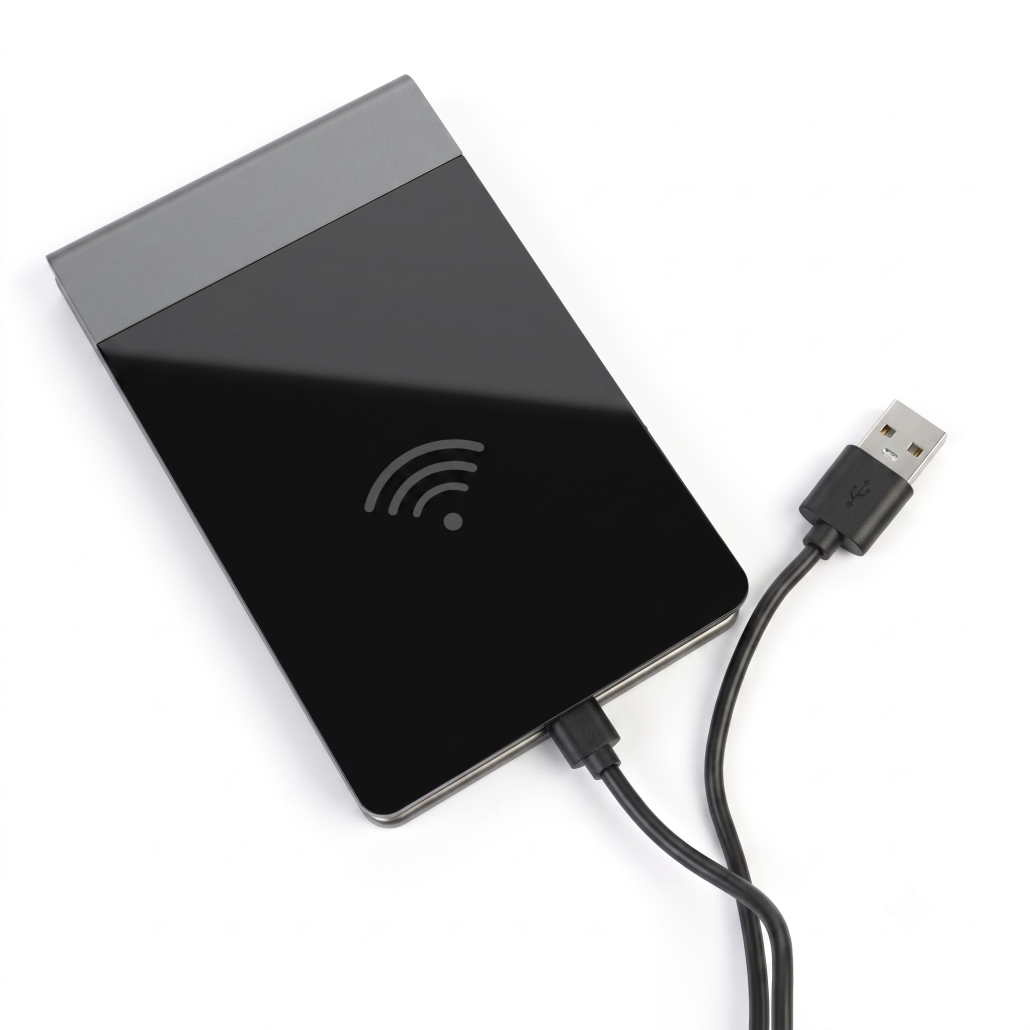
Identify the current issuing configuration
Record the encoder label, connection type, software name and version and a supported card sample. Ask whether registration or a specific driver is needed. A card can be detected by a reader without being encoded correctly for the hotel doors.
Prepare the front desk computer
Follow the supplied installation and registration procedure using approved software sources. Connect the encoder as instructed and confirm that the application recognises it. Avoid installing random drivers or changing software versions merely to resolve a single failed card.
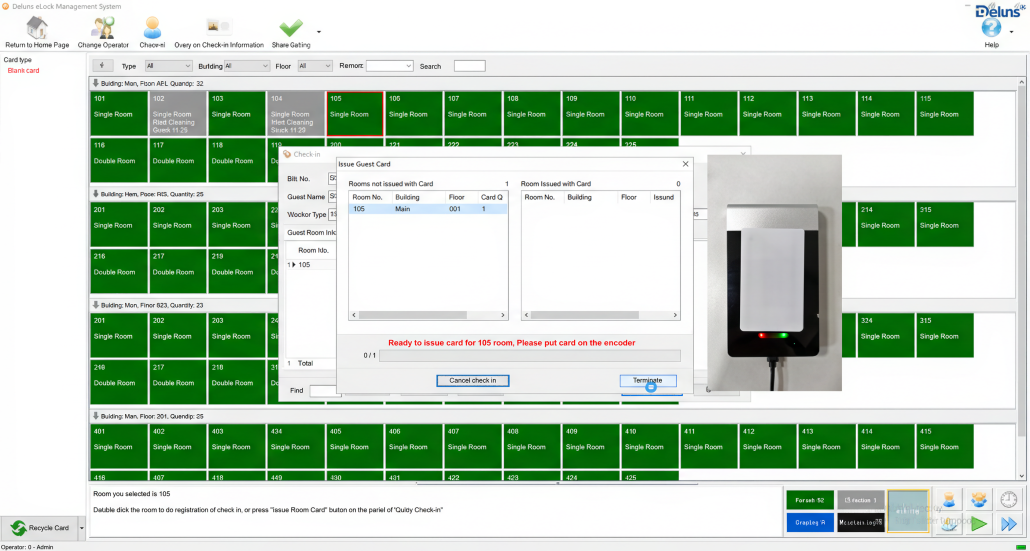
Issue and read back a test credential
Use a test room and fictional guest details. Check the room assignment, start time and departure time before writing. Read back the card using the supported function, then test access at the intended door. Retain the steps as an operator procedure.
Handle faults and replacement carefully
If issuance fails, distinguish a disconnected encoder, unsupported card, software configuration problem and damaged credential. Record the exact error. Before replacing an encoder, confirm how the new unit is registered and whether existing cards and room settings remain usable.
Acceptance checklist
- Which software and cards are explicitly supported?
- Does the application recognise the connected encoder?
- Can a written test card be read back and used?
- What is the documented replacement and registration process?
What to send with your project inquiry
Provide the installed lock model, software name and version, room quantity and the exact workflow you need. Add clear door photos or test screenshots with private information removed. Ask for written confirmation of the proposed configuration and keep the acceptance results with the hotel handover documents.
Related DELUNS resources
See our hotel lock system overview, smart card access workflow guide and hotel lock project services. Contact DELUNS to discuss your installation and required functions.