A hotel door lock upgrade changes the access capability or management workflow, while a replacement may simply restore similar hardware. Define the operational improvement first: easier card management, compatible mobile access or a different maintenance process. Then check whether the existing doors and supporting equipment can accommodate it.
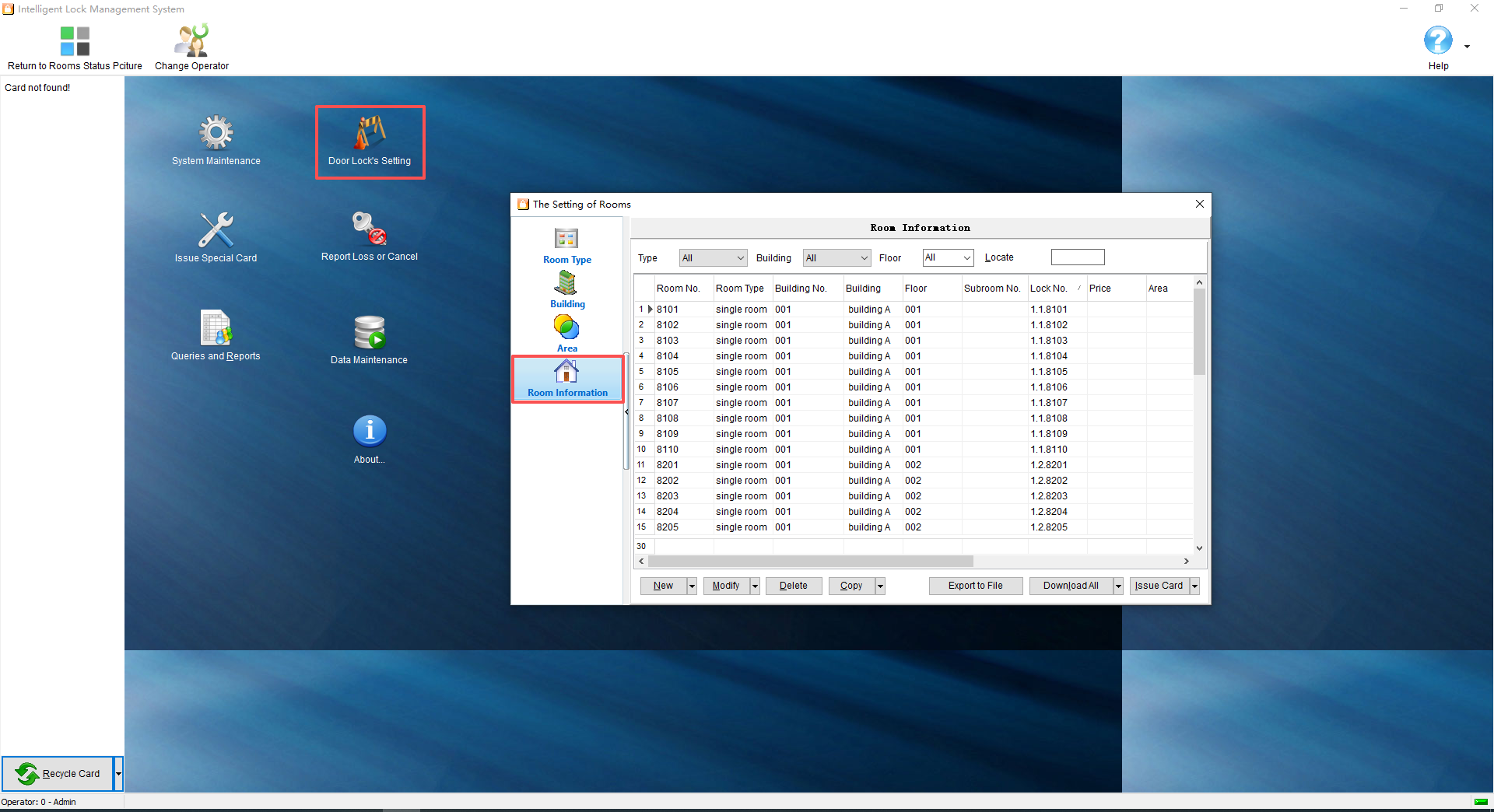
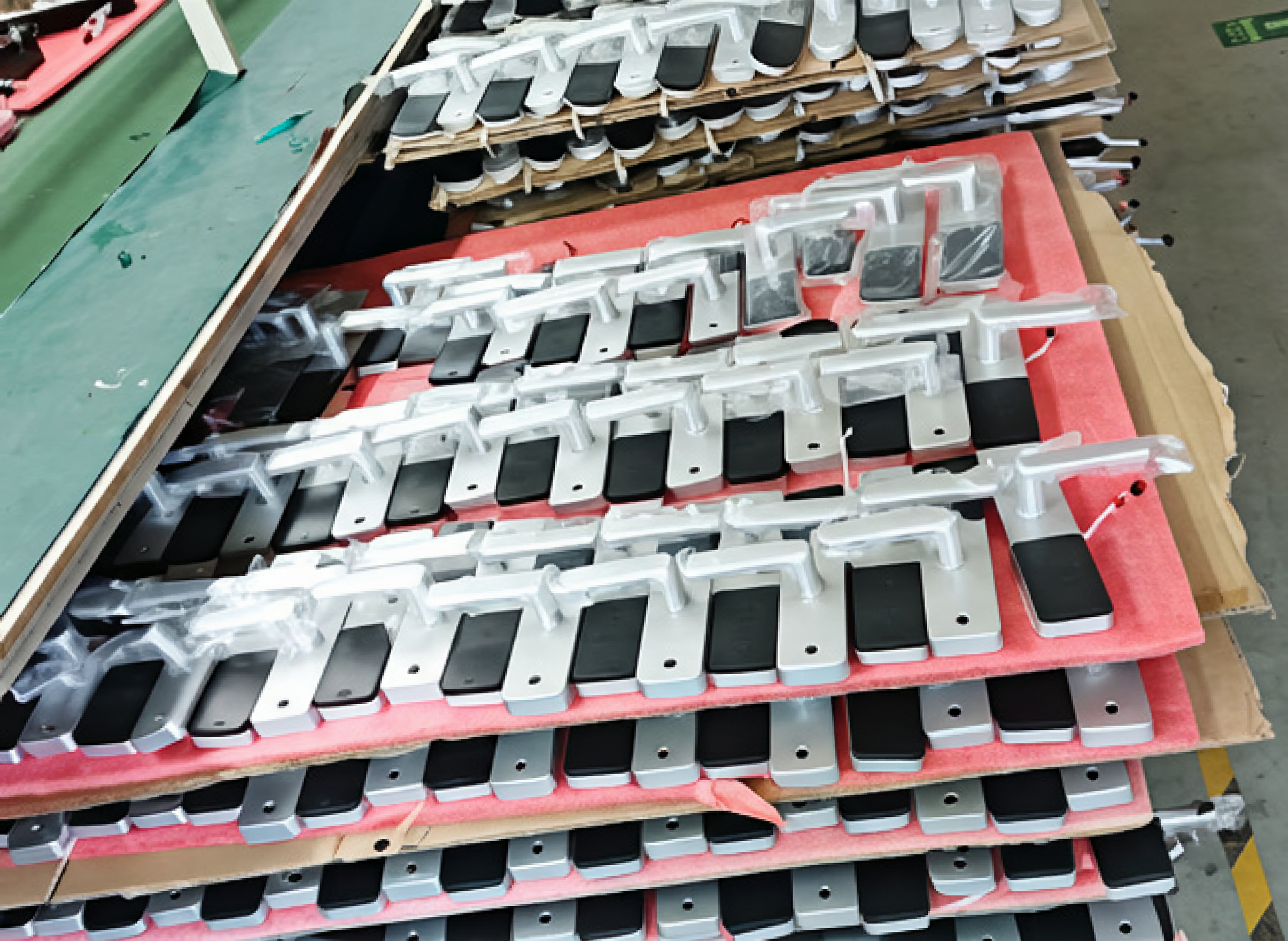
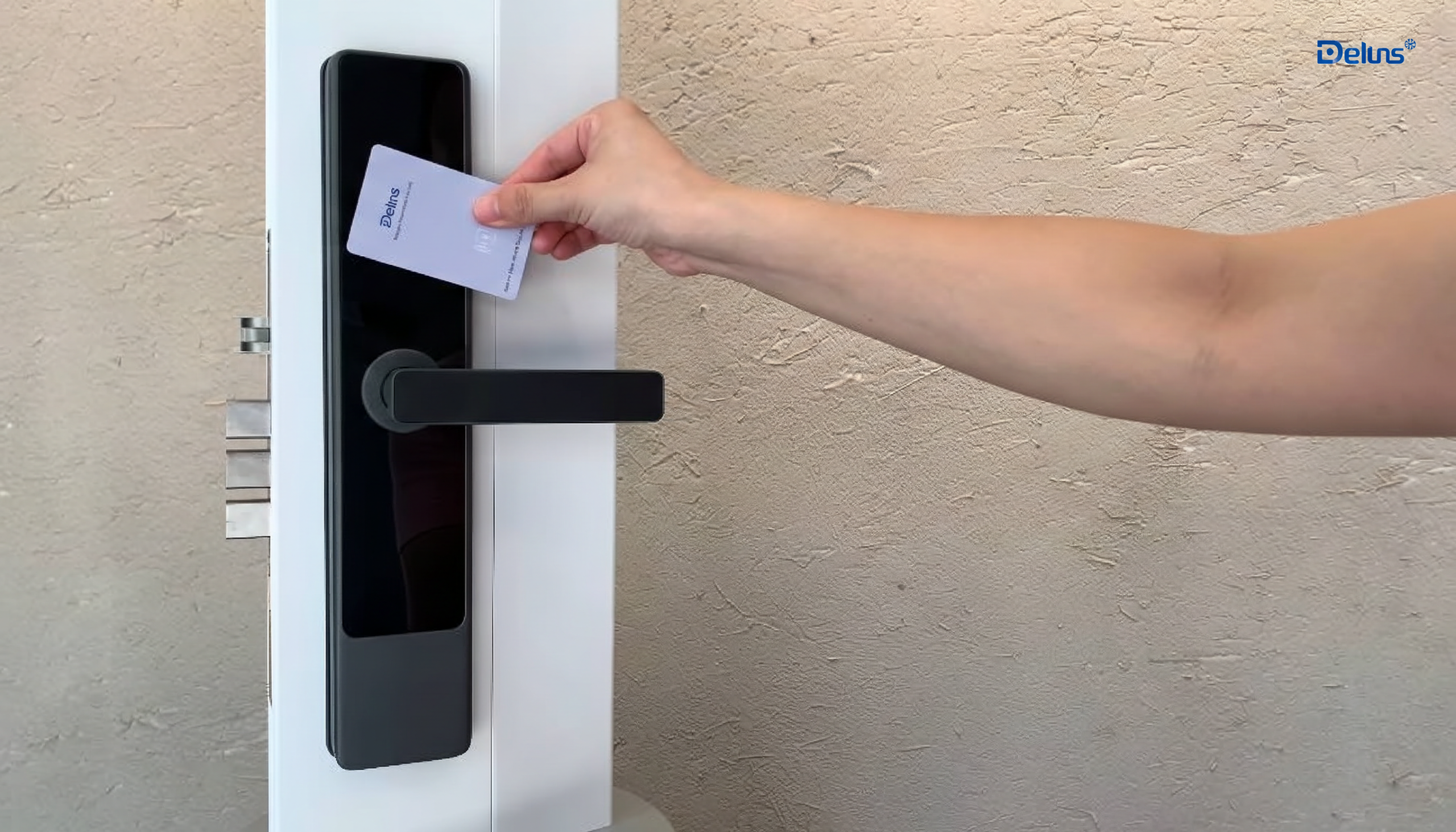
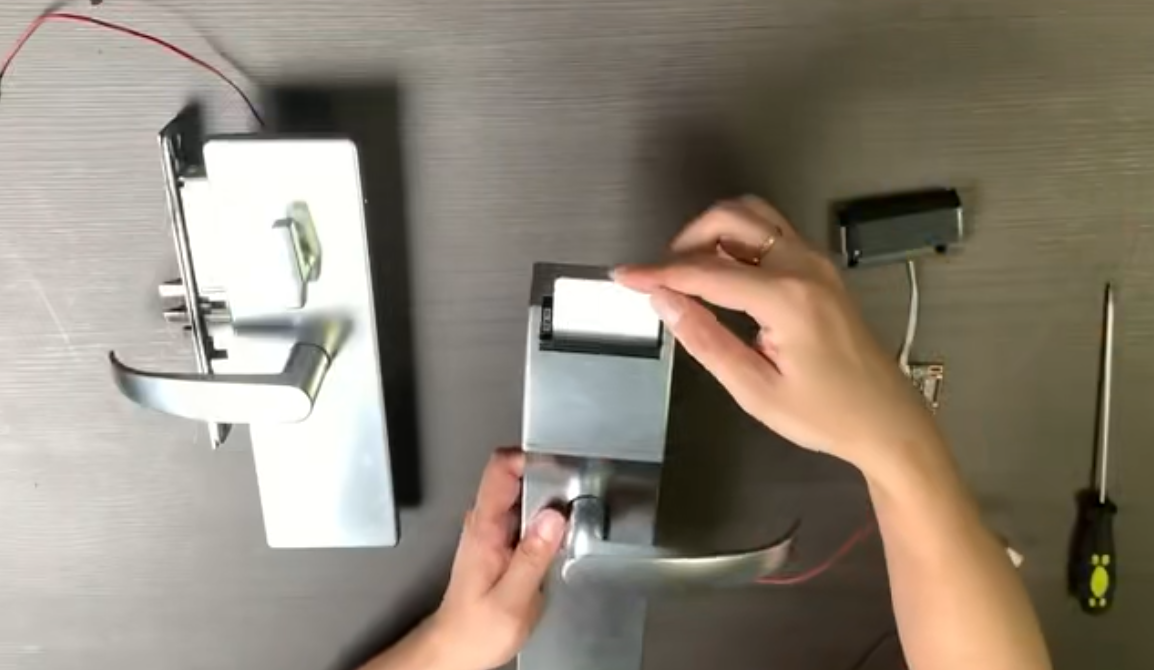
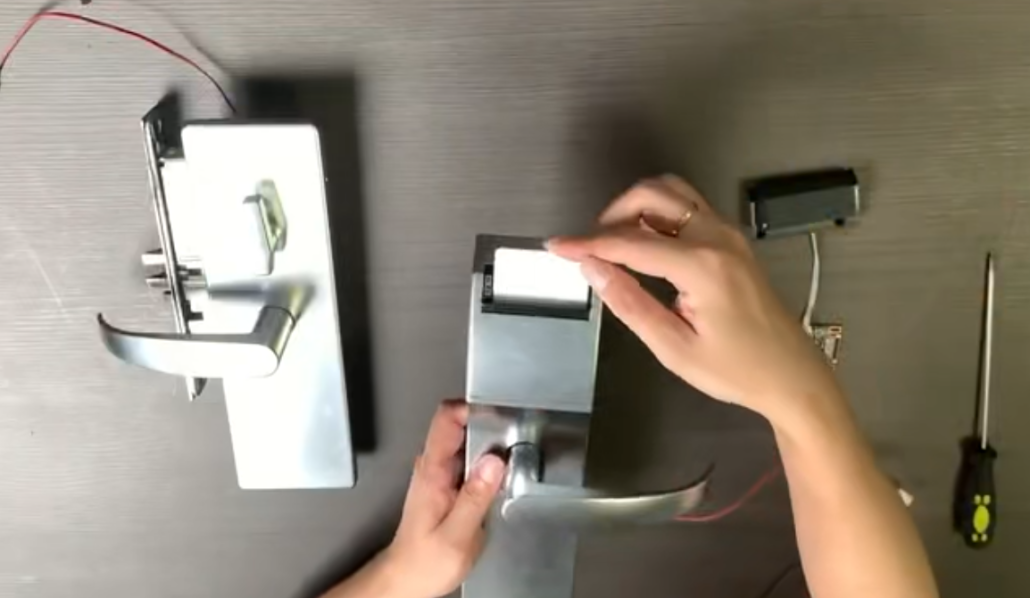
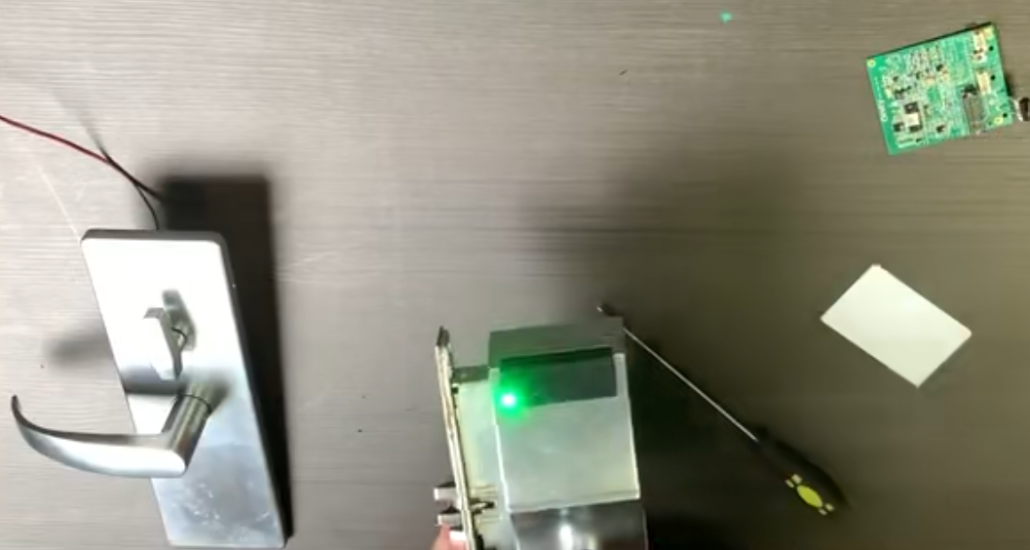
The supplied demonstration photographs show hardware work and testing. They do not establish that an existing lock can receive a universal electronics conversion.
Define the outcome and the limitations
List required access methods, shared areas, front desk tasks and outage behaviour. Specify which capabilities are essential and which are optional. Bluetooth access near a door and remote control through networking equipment are different requirements and should be tested separately.
Review the complete migration path
Identify hardware revisions, mortise fit, cards, encoder, software and any gateway. Ask which components can be retained with documented compatibility. A new reader may not accept the old credential format, and a compatible-looking connector does not prove electrical or software compatibility.
Pilot the new workflow on a small room group
Use representative doors and involve reception, housekeeping and maintenance. Test check-in, extra credentials, room moves, expiry and emergency access. Document what is required at an offline door when access changes. Keep the old workflow available until the pilot is accepted.
Roll out with clear room status
Maintain an installation list showing old-system rooms, upgraded rooms and rooms awaiting acceptance. Provide staff with the correct issuing procedure for each group. At handover, secure administrative credentials, retain approved drawings and record the software configuration and spare requirements.
Acceptance checklist
- Which operational task improves after the upgrade?
- What existing hardware is verified reusable?
- How will two systems coexist during installation?
- Who signs off each room and trains new staff?
What to send with your project inquiry
Provide the installed lock model, software name and version, room quantity and the exact workflow you need. Add clear door photos or test screenshots with private information removed. Ask for written confirmation of the proposed configuration and keep the acceptance results with the hotel handover documents.
Related DELUNS resources
See our hotel lock system overview, smart card access workflow guide and hotel lock project services. Contact DELUNS to discuss your installation and required functions.