Installation includes more than fitting the lock
Bluetooth hotel lock installation requirements cover the door hardware, power supply, app setup and access permissions. If remote functions are required, gateway commissioning becomes a separate part of the job. Complete these checks before a room is occupied.
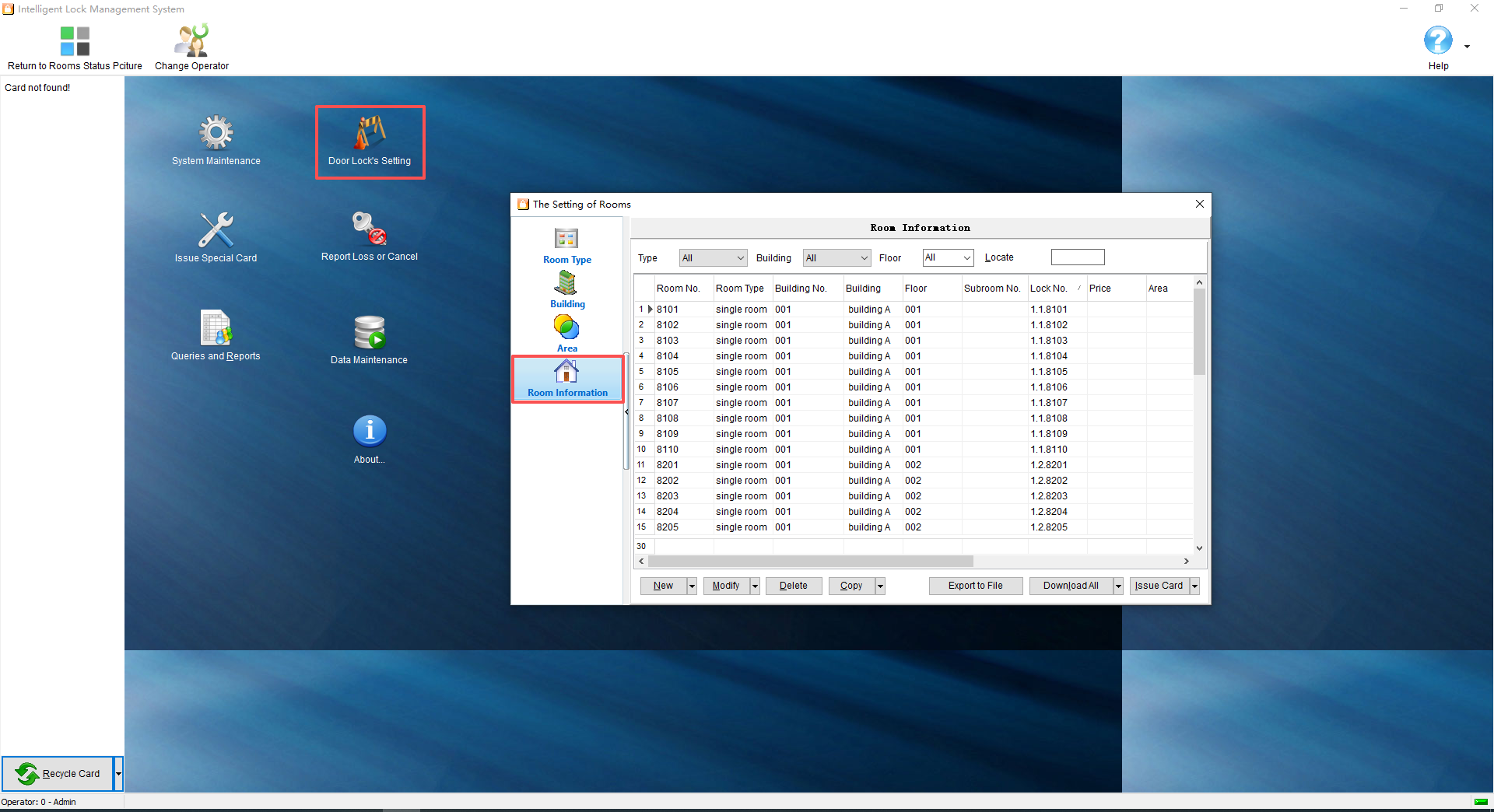
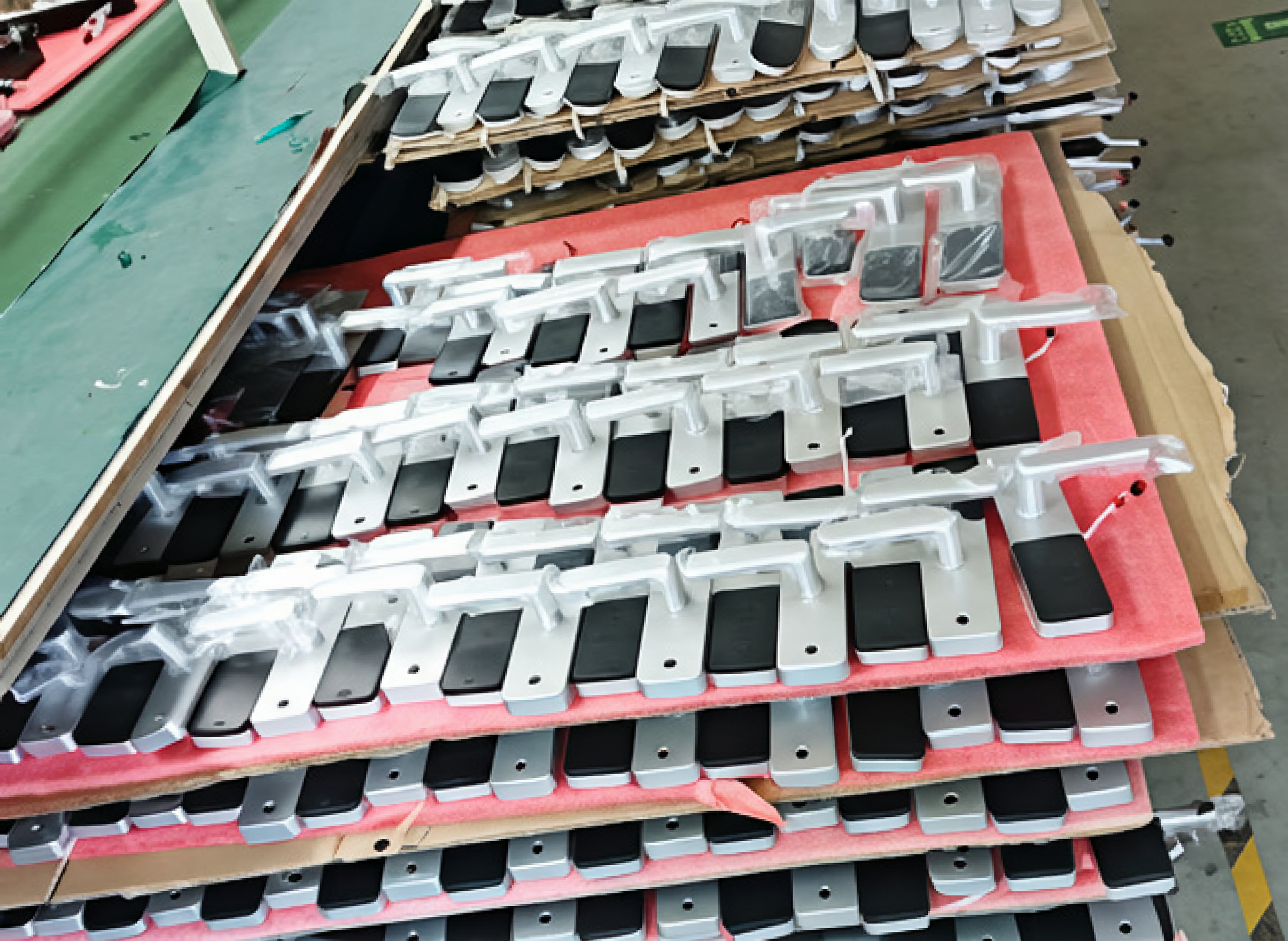
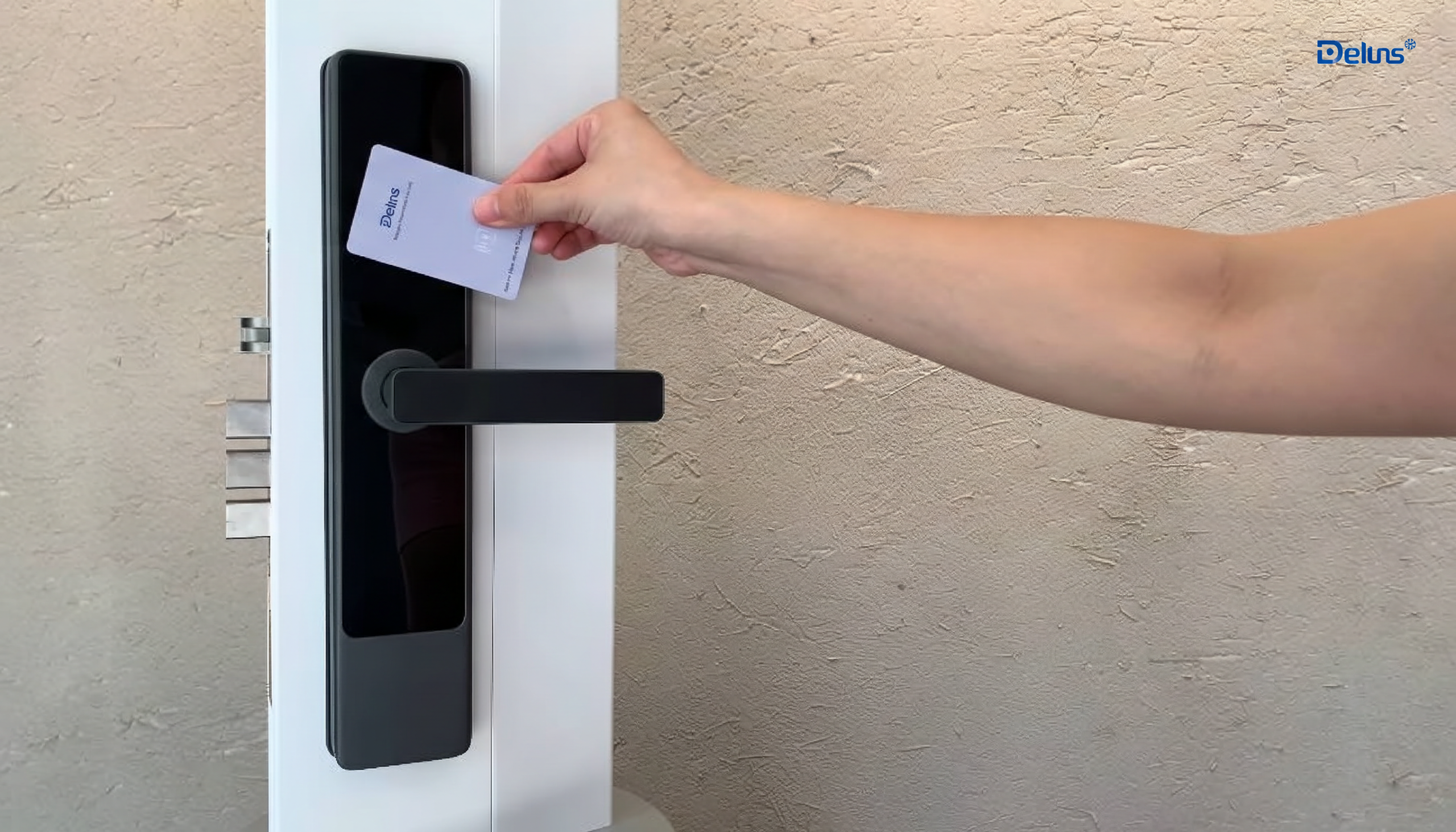
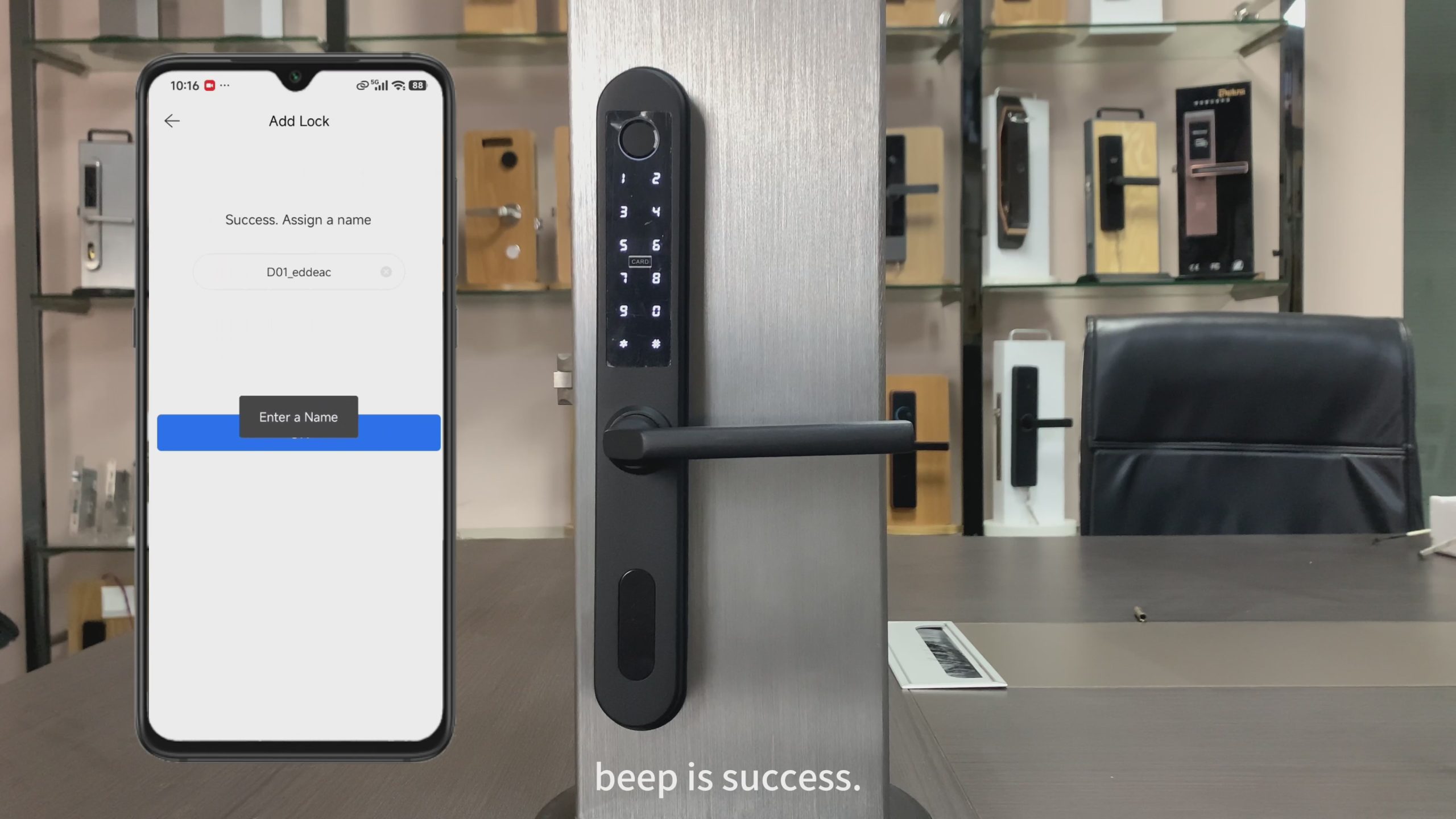
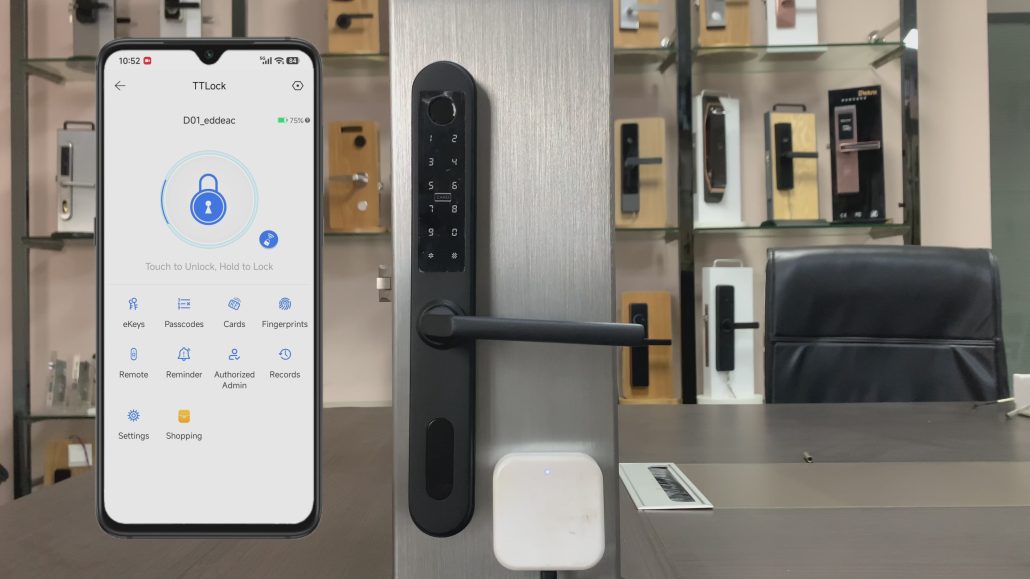
The supplied photos show a demonstration lock, an app binding screen and gateway-related equipment. Menu labels and supported features vary by software and hardware version.
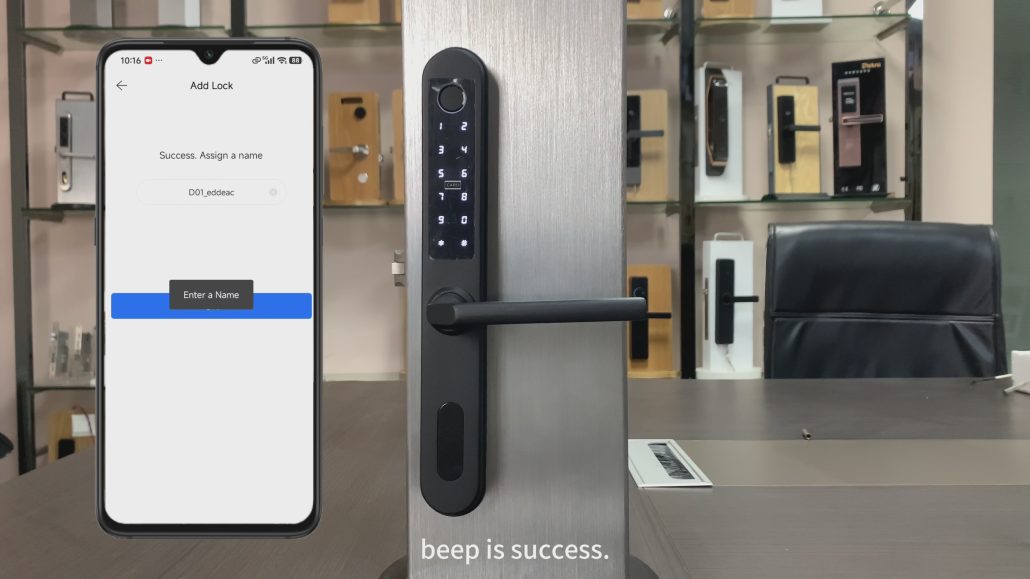
Approve the door and hardware first
Check door thickness, mortise drawing, opening direction, spindle and screw positions, strike and available space for cables. Trial-fit the mortise before attaching the panels. Route wiring so it cannot be trapped by the spindle or screws.
Keep the door open during initial tests. Confirm the handle returns freely, the latch moves without resistance and inside operation works as specified. Do not use extra screw force to correct misalignment.
Prepare app access and device ownership
Identify the exact app and supported version, the account that will own the device and the staff permissions needed after handover. Enable required Bluetooth and app permissions according to the device instructions. Wake the lock using its supported method before adding it.
Keep credentials and registration information in the approved hotel account process. Do not publish pairing codes, administrative keys or screenshots containing account secrets.
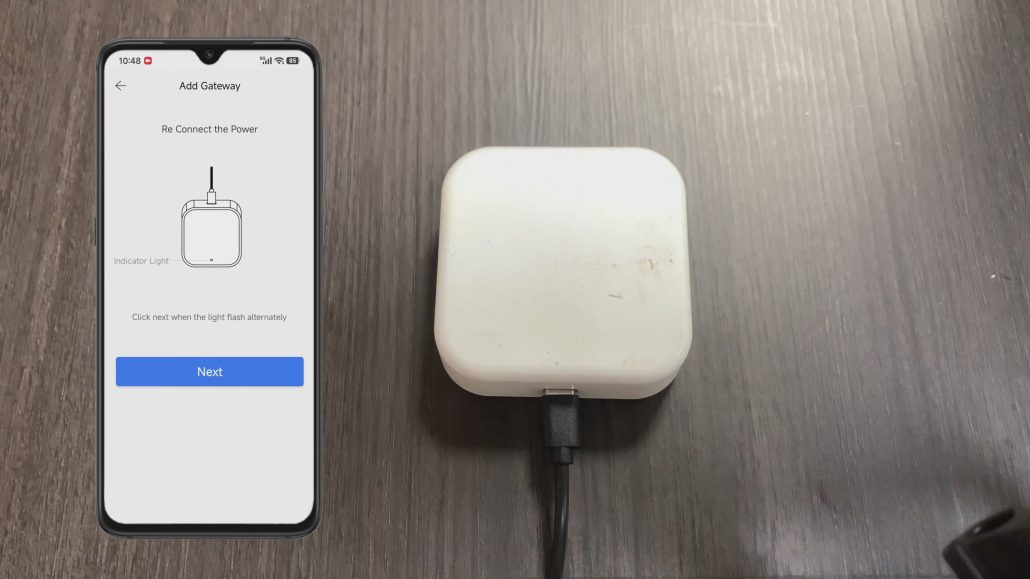
Add a gateway only when the configuration requires it
A Bluetooth connection near the door does not by itself provide off-site remote access. Confirm whether the selected gateway supports the lock and desired functions, which network settings it needs and how it is powered.
Use the manufacturer guidance for placement, then test the link at the actual installed doors. Walls, metal and site layout can affect communication. Avoid promising a coverage distance without a site test.
Commission the guest workflow
Test the access method actually being sold: card, mobile key, passcode or another supported credential. Verify issue, expiry and cancellation for each required method. Check any common entrance separately. Record the app version, lock model and gateway details.
If remote actions are required, test them from outside the local Bluetooth range. Also test the agreed fallback process during internet or gateway failure.
Handover questions
Who owns the administrator account? Who can add staff? How is a device transferred or replaced? What happens when a guest changes phones? These questions should be resolved before the installation team leaves.
Can an existing door be reused? Often the decision depends on its preparation and condition; approve a sample first. Is a gateway mandatory? Only for the functions and configuration that require one.
Related DELUNS resources
Review our hotel lock system overview and RFID hotel door lock selection guide. For installation planning, see hotel lock project services.
Contact DELUNS with your door photos, room quantity and required access workflow for a configuration discussion.