A hotel key card system setup checklist connects software preparation with real door testing. Installing an application is only one step: room data, encoder registration, lock configuration and staff permissions must form one verified system.
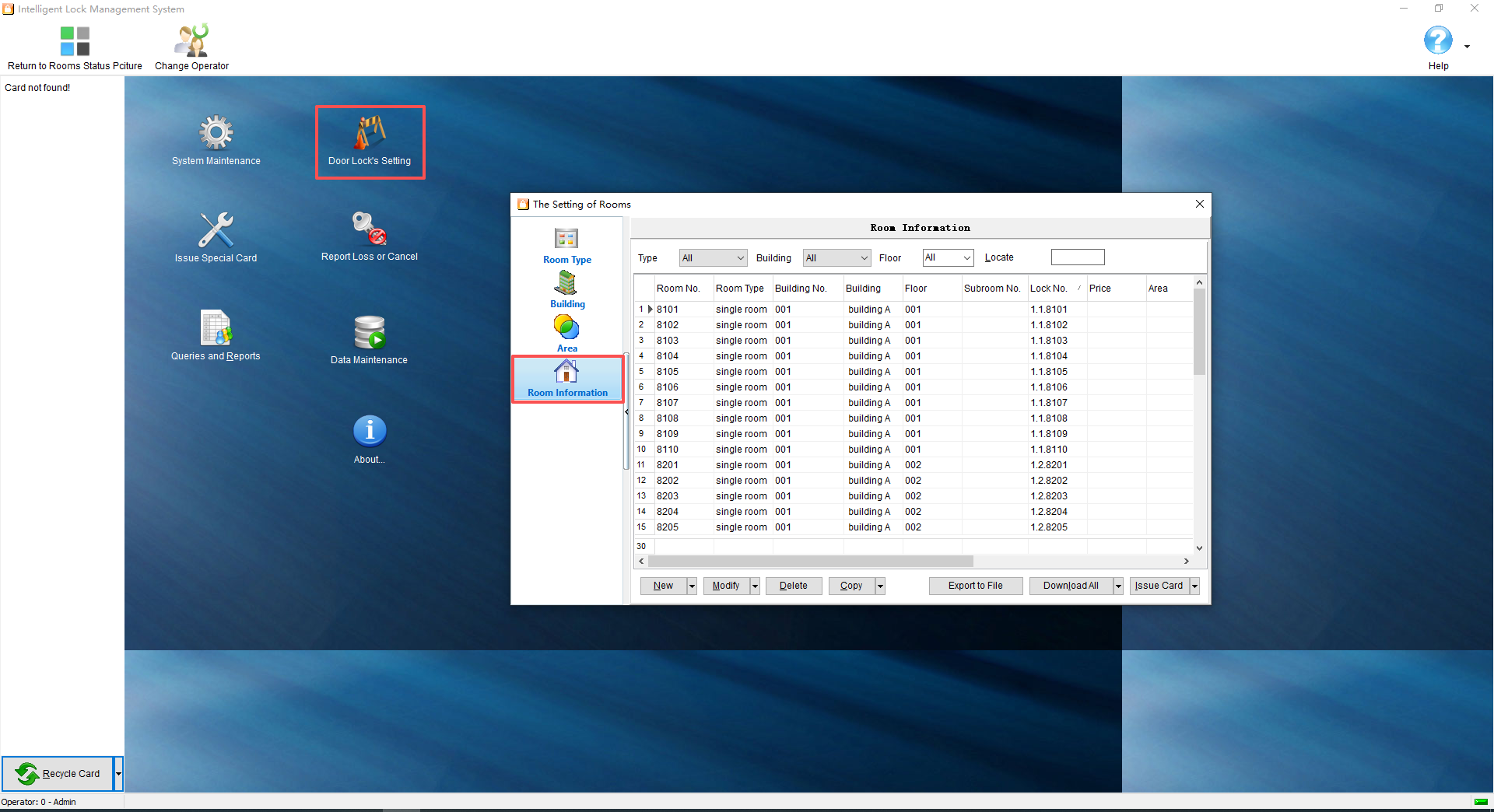
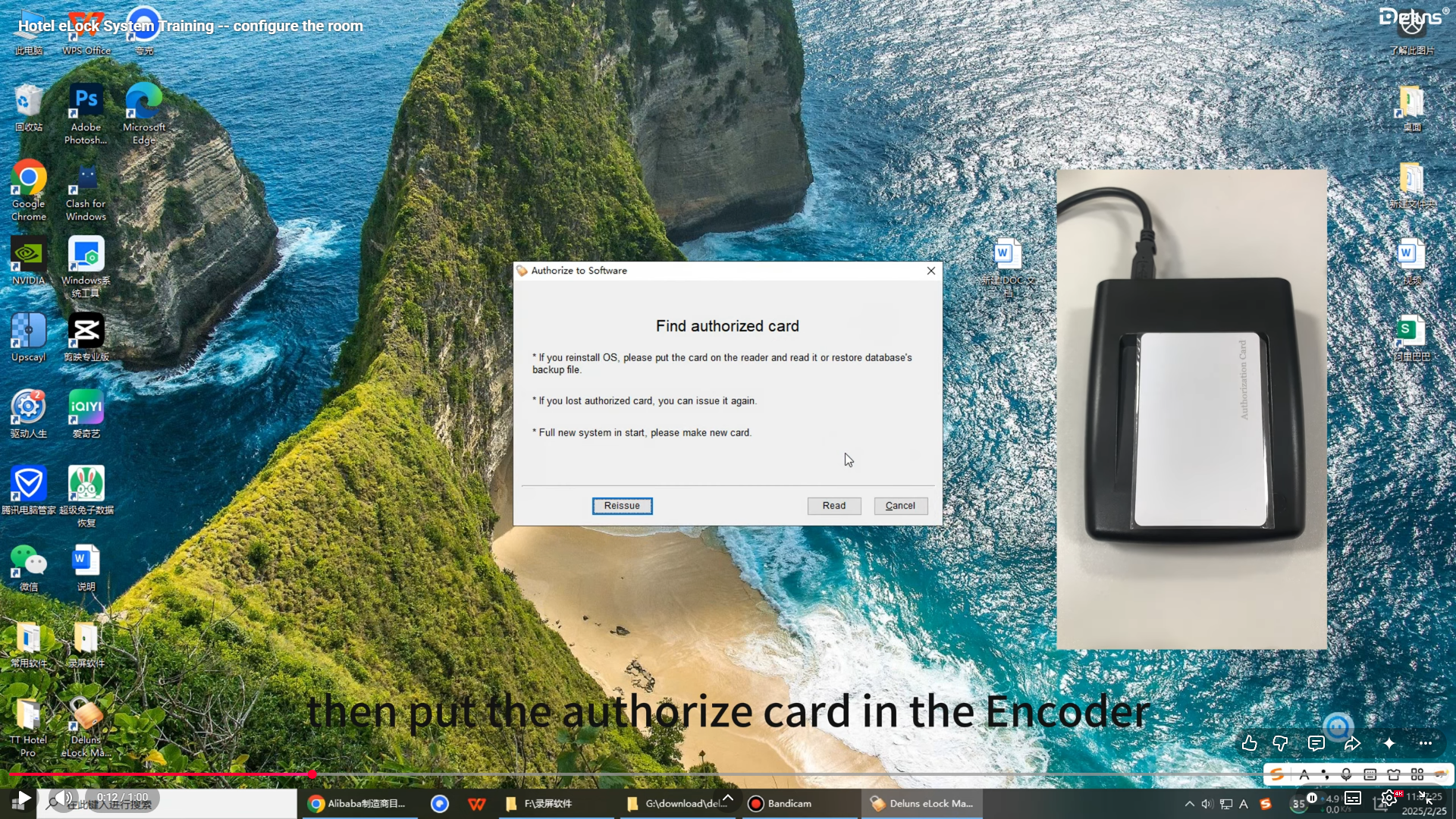
The supplied screens illustrate a setup workflow. Follow the manual for the exact software version and use test records rather than real guest details during commissioning.
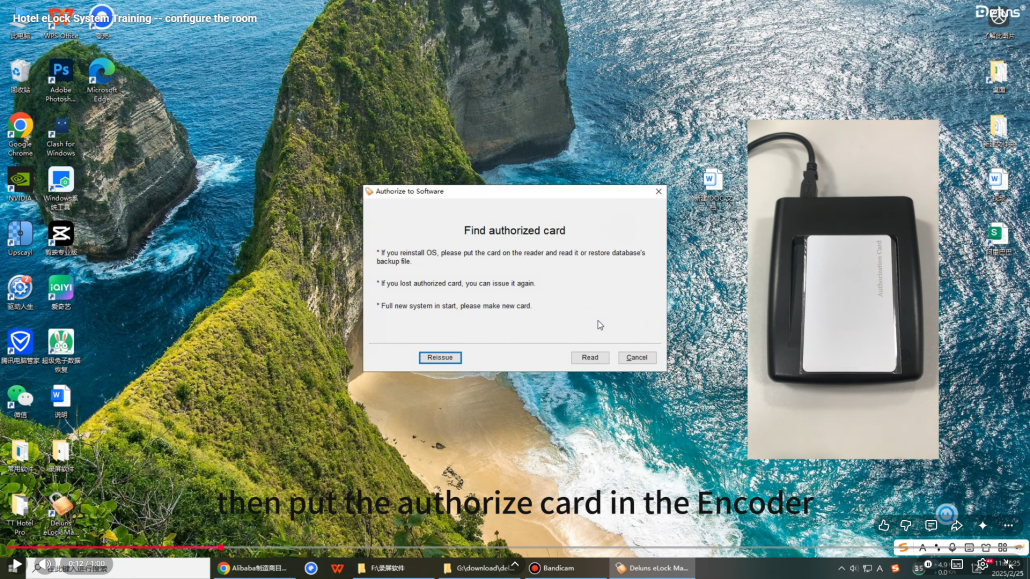
Prepare an approved configuration record
List lock models, encoder, card type, software version, computer requirements and any optional network equipment. Record the room schedule and door groups. Confirm who holds administrator access and how approved installation files and registration information are stored.
Build room data and operator roles
Create a room list matching physical door labels. Decide which staff can issue credentials, change settings and manage operators. Use individual accounts where supported. Review the time-setting procedure and data backup method before introducing live bookings.
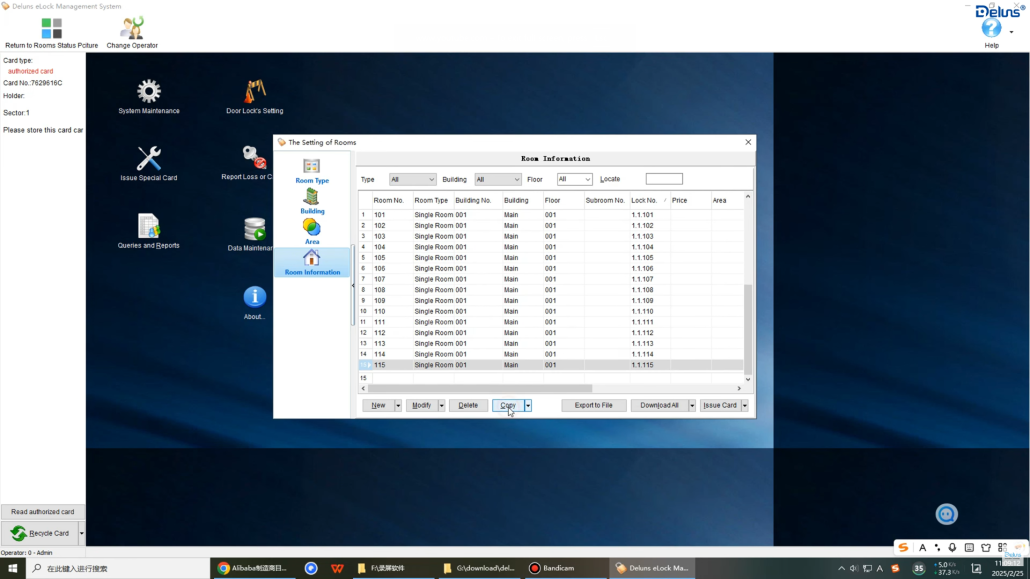
Commission representative doors
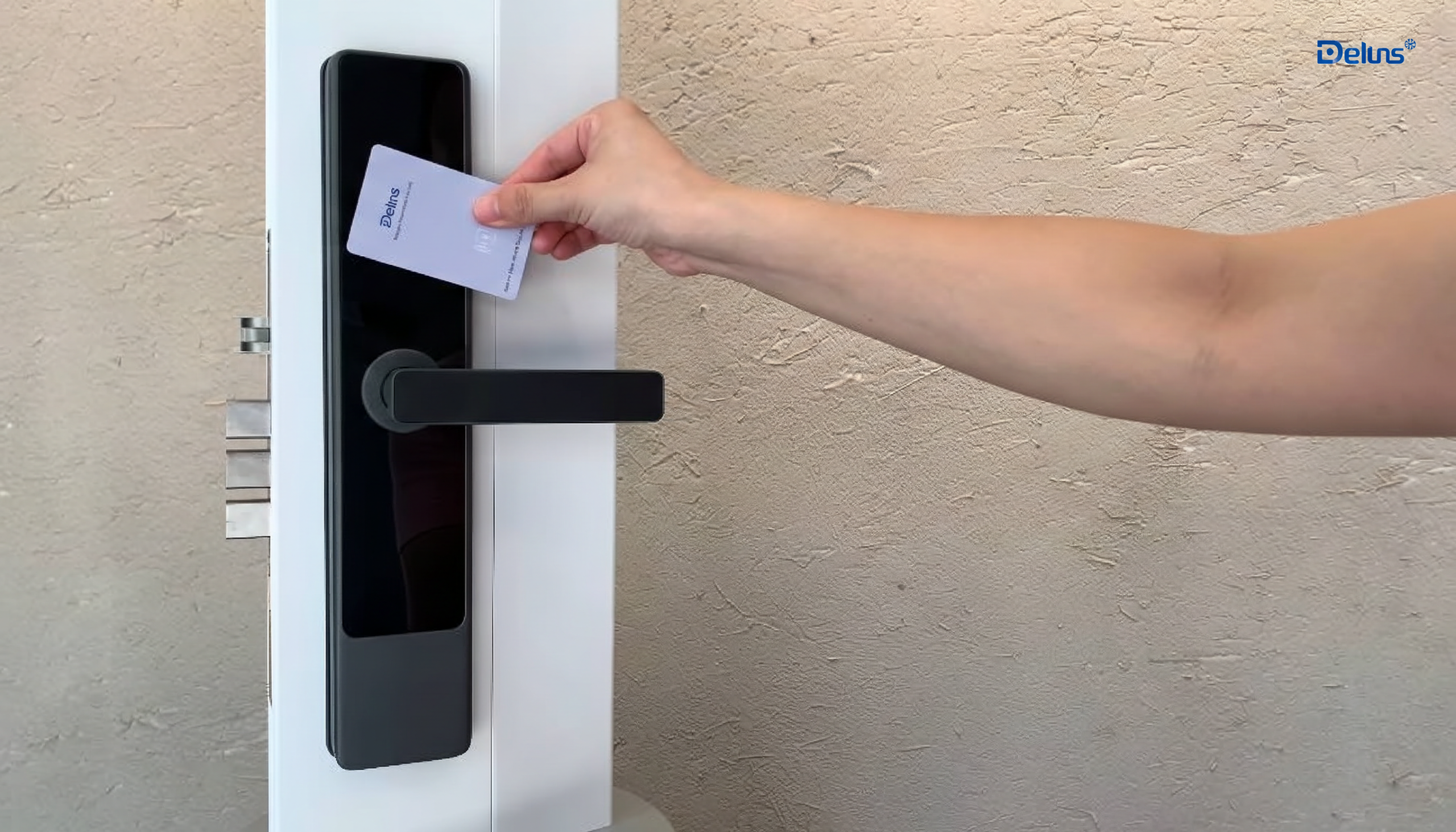
Follow the documented lock setup process and use a sample from each hardware group. Issue a guest test card, read it back and confirm access at the intended door. Check inside operation and the agreed emergency method. Include shared doors where the system is configured to support them.
Test changes and hand over the workflow
Demonstrate an extra card, extension, room move, expiry and lost-card handling. Verify both old and new credentials where a change affects access. Record which actions require visiting offline doors. Give reception a written procedure, backup instructions and the support escalation route.
Acceptance checklist
- Does software room data match physical door labels?
- Are encoder and card format verified together?
- Have extensions and replacement cards been tested?
- Can authorised staff follow the handover instructions?
What to send with your project inquiry
Provide the installed lock model, software name and version, room quantity and the exact workflow you need. Add clear door photos or test screenshots with private information removed. Ask for written confirmation of the proposed configuration and keep the acceptance results with the hotel handover documents.
Related DELUNS resources
See our hotel lock system overview, smart card access workflow guide and hotel lock project services. Contact DELUNS to discuss your installation and required functions.