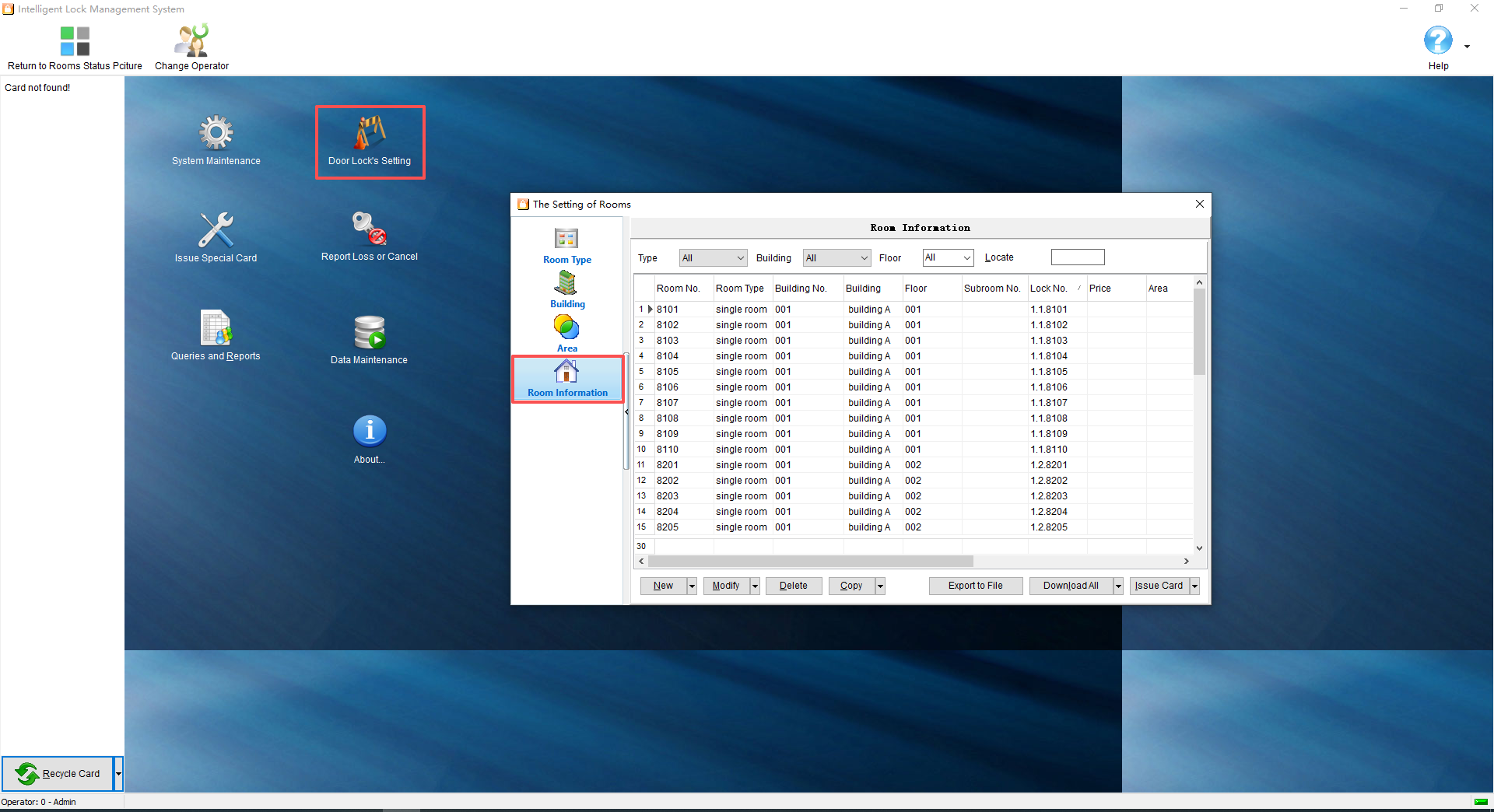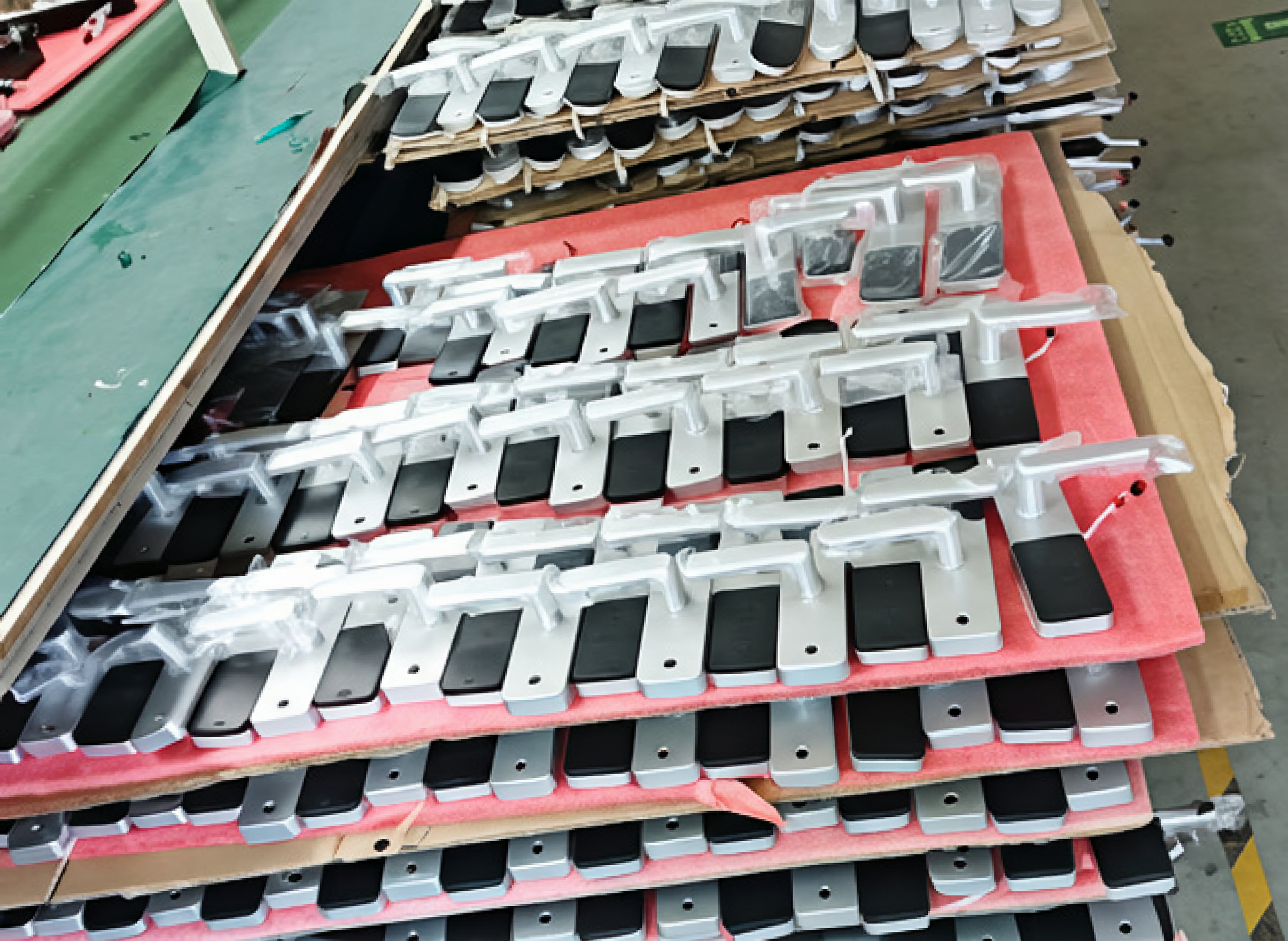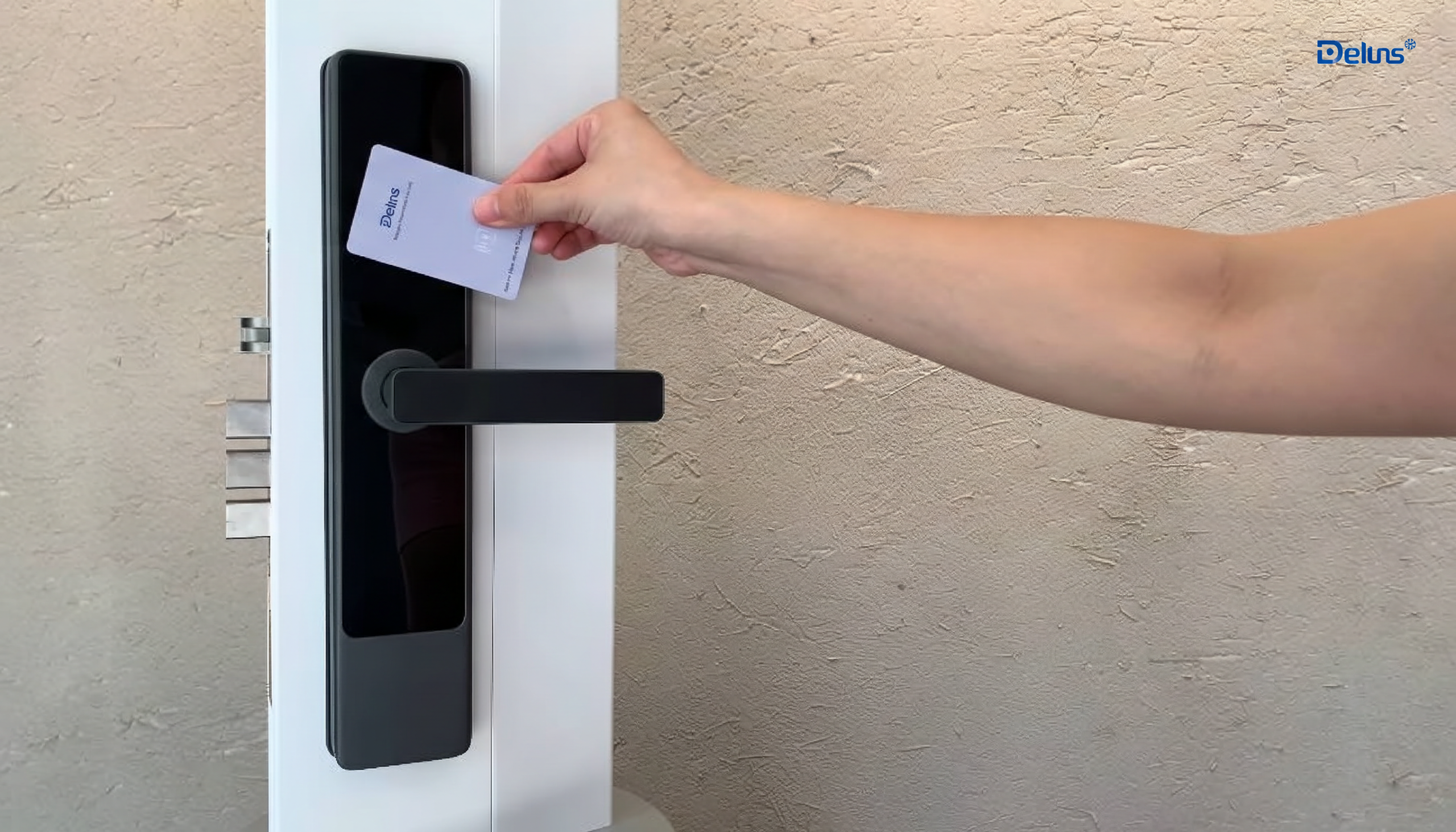
Hotel door lock PMS integration connects a property management workflow with a compatible credential issuing system. The purpose is usually to reduce repeated entry of room and stay details at reception. It does not mean every PMS can communicate directly with every lock. Identify the PMS version, lock platform and interface provider before discussing an installation.
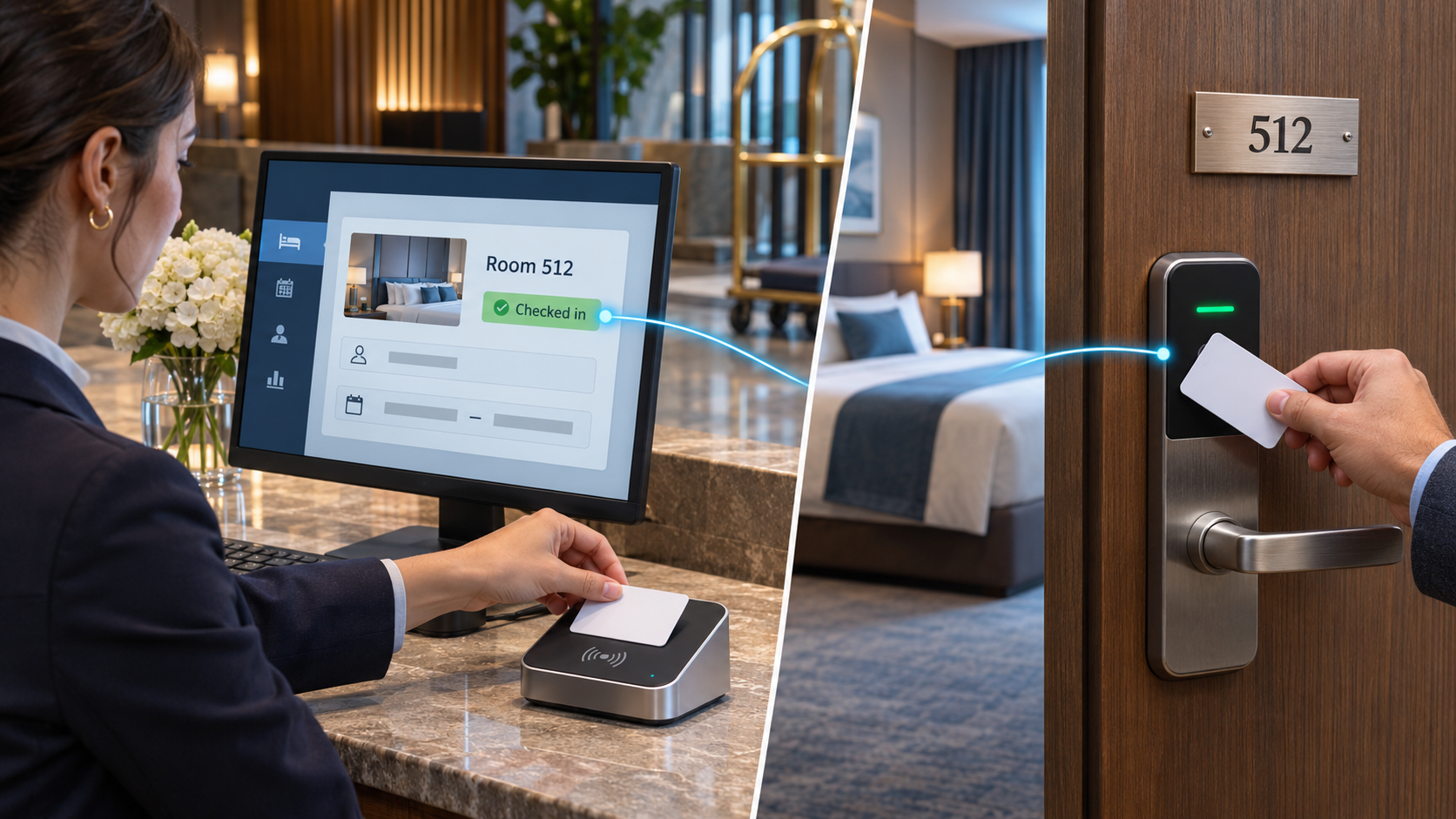
The supplied reception scene is a workflow illustration, not evidence of a tested integration or a named hotel project. Obtain written compatibility confirmation for the exact combination you intend to buy.
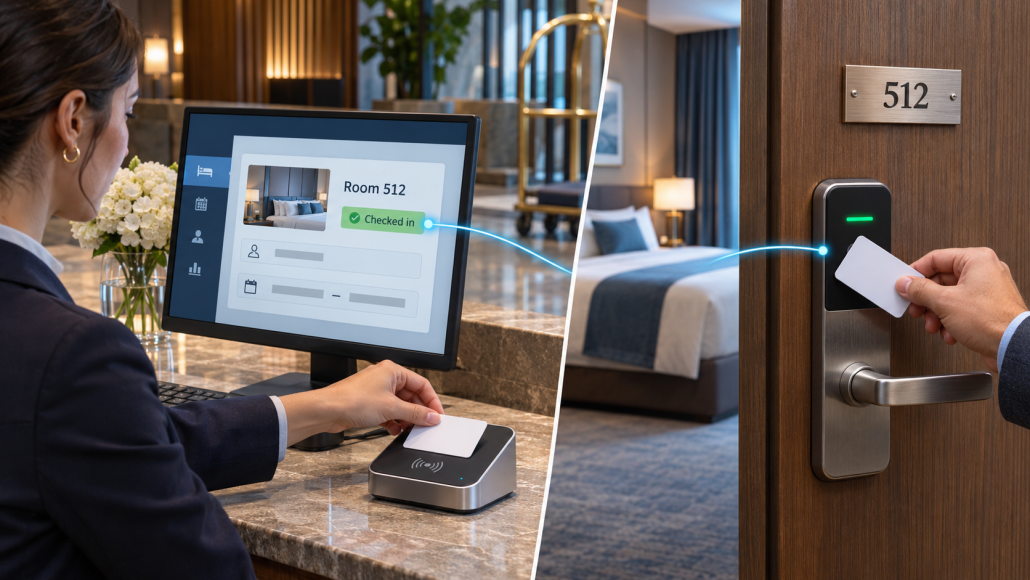
Map the transaction, not just the software names
Write down which actions must cross the interface: check-in, an extra card, room move, extension, early departure and lost-card replacement. For each action, identify which application is authoritative and what the operator sees when it succeeds. A room move that updates the booking but leaves an old credential valid needs a documented follow-up procedure.
Confirm the interface and responsibility
Ask whether the connection uses a supported local interface, middleware or a hosted service. Record operating-system requirements, licences, network requirements and who supplies updates. Do not install an unverified connector simply because both products advertise integration. Ask who diagnoses a fault involving the PMS, encoder and lock software.
Run an acceptance test with reception staff
Use test rooms and fictional guests. Issue a credential, change the departure time, move the booking and verify the resulting access at the intended door. Test duplicate requests and a connection outage. An offline lock may need a physical card operation to apply a change, even when the front desk applications exchange data correctly.
Plan outage and handover procedures
Document how authorised staff issue access while the interface is unavailable, then reconcile changes after recovery. Keep account access restricted and screenshots free of real guest data. Retain the approved versions and test results so later upgrades can be checked against a baseline.
Acceptance checklist
- Which PMS version and lock platform are supported together?
- Which transactions are included and which remain manual?
- Who owns support, renewal and upgrade testing?
- How is access managed during an interface outage?
What to send with your project inquiry
Provide the installed lock model, software name and version, room quantity and the exact workflow you need. Add clear door photos or test screenshots with private information removed. Ask for written confirmation of the proposed configuration and keep the acceptance results with the hotel handover documents.
Related DELUNS resources
See our hotel lock system overview, smart card access workflow guide and hotel lock project services. Contact DELUNS to discuss your installation and required functions.