
Smart Card Lock System
A smart card lock system combines electronic door locks, compatible cards, a card encoder and management software to control who can enter each room and when. For hotels, the complete workflow matters as much as the lock on the door: check-in, staff permissions, replacement cards and check-out must work together.
Plan your DELUNS hotel access project around the way your front desk and housekeeping teams operate. This guide explains the system components, access lifecycle and questions to resolve before installation.
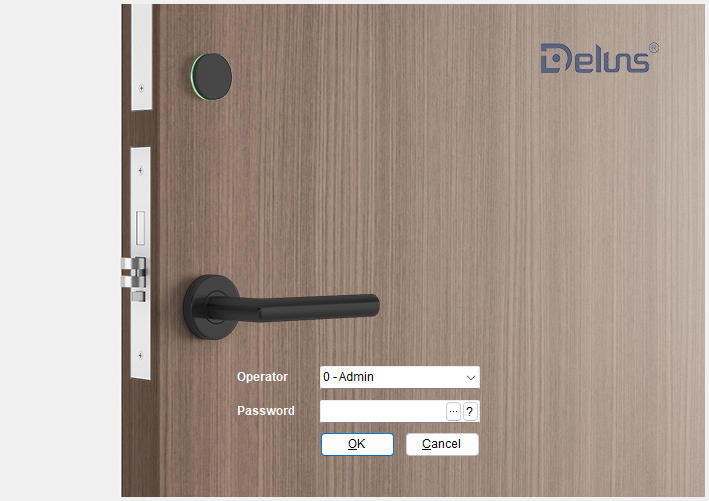
What Is Included in a Smart Card Lock System?
| Component | Role in the System | What to Verify |
|---|---|---|
| Electronic lock | Reads the credential and controls room entry. | Door fit, supported card format and emergency access procedure. |
| Smart cards | Carry guest or staff access credentials. | Chip type, encoding format and replacement availability. |
| Card encoder | Writes supported access credentials to cards. | Compatibility with cards, software and the front desk computer. |
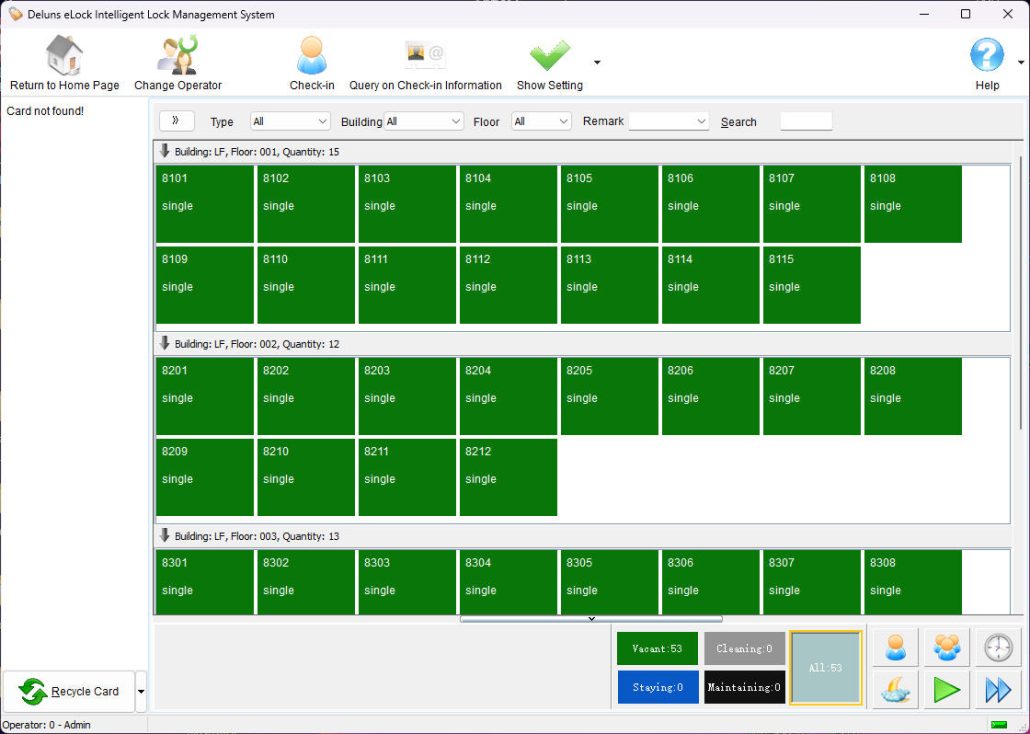
| Management software | Sets up rooms and manages supported card operations. | User roles, operating environment, backup and recovery procedures. |
| Optional access devices | Extend access to common doors or other areas where supported. | Integration requirements and the exact functions supplied. |
Start with the hotel lock system overview. For physical lock selection and door measurements, see our RFID hotel door locks guide.
How Hotel Card Access Works from Check-in to Check-out
1. Configure Rooms and Staff Permissions
Set up the room list and decide who can issue cards, change access settings and handle replacements. Define housekeeping and management access separately from guest access. The available permission levels depend on the selected software.
2. Issue the Guest Card
The front desk selects the room and stay details, then encodes a compatible card. Test the card at the correct room before handing over a newly commissioned system. If the guest needs access to a common entrance, confirm that this permission is included in the system design.
3. Manage Changes During the Stay
Room moves, extended stays and extra cards need a clear operating procedure. Ask whether these changes require a newly encoded card, a visit to the lock or a network connection. Avoid assuming that an action in the software instantly changes an offline door.
4. Handle Lost Cards and Check-out
Follow the specific replacement and cancellation process for the installed system. A card may expire according to its encoded validity, but early cancellation and lost card invalidation can require additional steps. Train staff on those steps before the hotel opens.
Offline or Connected Card Lock Management?
An offline installation validates supported credentials at the door without a continuous network connection. This can suit properties that prefer local card operation, provided staff understand how room changes and card invalidation are performed.
A connected configuration may provide remote functions through compatible gateways or networking equipment. Ask for a demonstration of the exact functions you need, such as permission updates or access status. Card access, mobile keys and remote control are separate capabilities and should be confirmed individually.
Review hotel access solutions when planning connected access. If your project uses TTHotel, our English TTHotel video tutorials cover setup and front desk operations.
Compatibility Checks Before You Order
- Cards and encoder: confirm the card chip and credential format. A card that looks identical may use a different system.
- Software environment: confirm computer requirements, installation, registration, user accounts and data backup.
- Existing equipment: identify the current lock model, card encoder and software version before requesting a replacement.
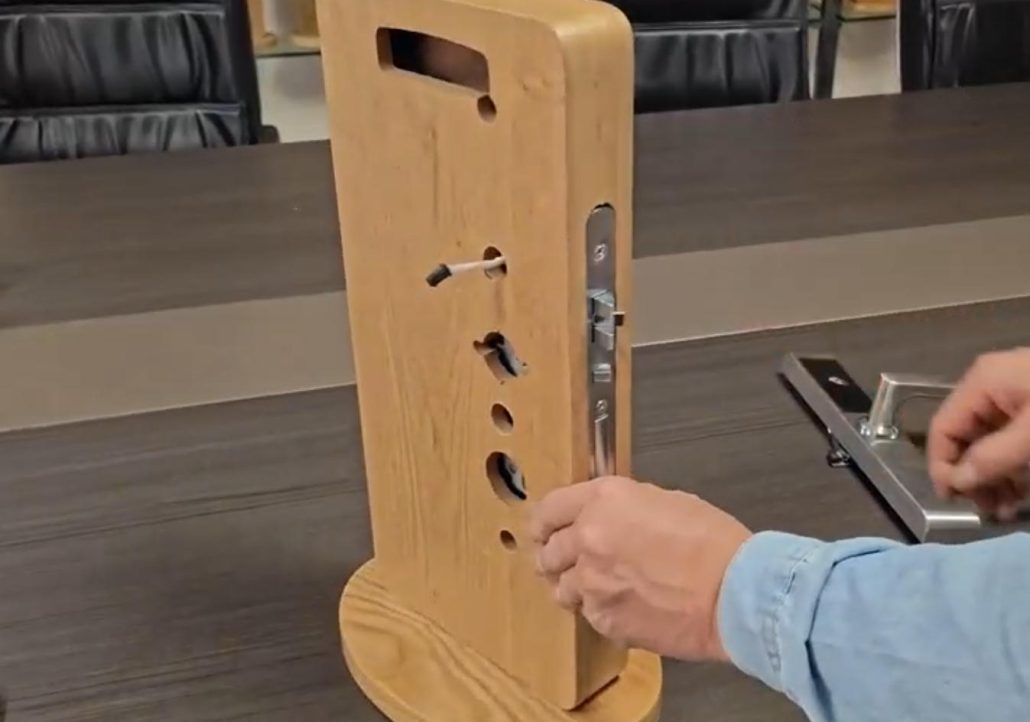
- Doors: provide thickness, mortise dimensions, opening direction and photos of existing fixing holes.
- Integrations: list any PMS, common door, elevator or energy saving switch requirements and verify each one for the proposed configuration.
See hotel lock software and registration information for related support topics.
A Practical Commissioning Checklist
- Approve the hardware dimensions and complete equipment list.
- Test a sample lock, encoder and card with the intended software.
- Configure rooms, time settings and staff access procedures.
- Test guest check-in, extra cards, room changes, expiry and lost card handling.
- Check latch operation, door alignment and emergency access on every installed door.
- Document backups, battery maintenance and staff handover.
For a renovation, pilot the system on one room before a wider rollout. Keep a record of the tested hardware and software configuration so later orders match the approved setup.
Smart Card Lock System FAQ
Is a smart card lock system the same as an RFID lock?
A contactless RFID lock is one part of a compatible card access system. The complete system also includes the credentials, issuing equipment and management workflow. Confirm the technology used by the specific product.
Can I keep my existing cards when changing systems?
Only if the card technology and credential format are supported. Provide samples and current equipment details for compatibility testing before purchasing replacement locks.
Does the system need an internet connection?
Door operation and software connectivity are different requirements. An offline lock may work locally while a management application needs connectivity for certain tasks. Confirm both requirements for the selected configuration.
Can one card open several doors?
This is possible in systems that support multiple access permissions, but it must be configured and tested. Specify guest rooms, shared entrances and staff areas during planning.
What information is needed for a quotation?
Provide the number of rooms, installation country, door measurements, existing system details and required access functions. Include cards, encoders, software and optional equipment when comparing quotations.
Plan Your Smart Card Lock System with DELUNS
Share your room count, door photos and daily access requirements. Tell us whether you are opening a new hotel, renovating rooms or replacing an existing card system so we can discuss an appropriate configuration.
Request a System Configuration
Explore our hotel lock project services for installation planning and system assistance.